
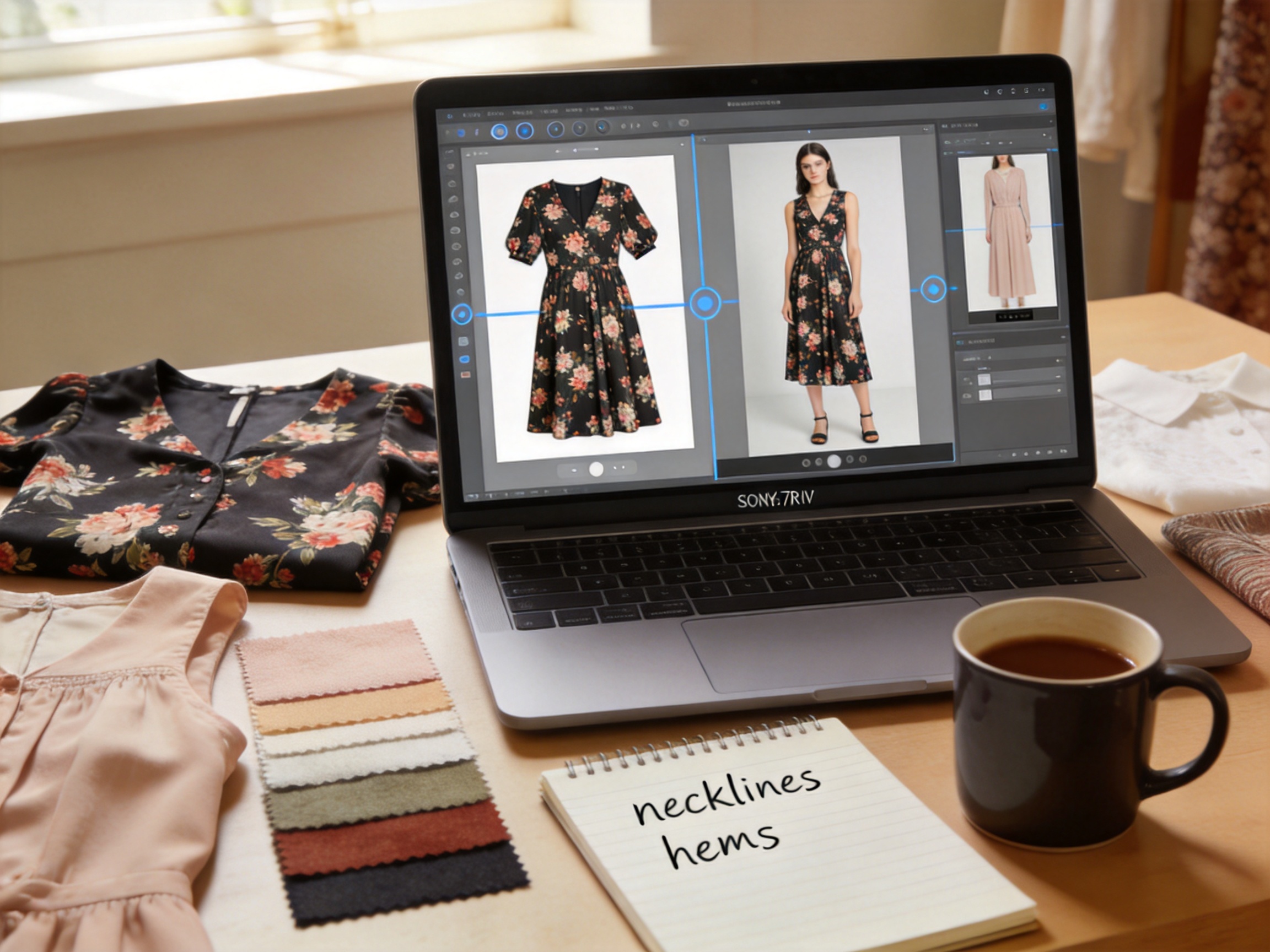
Dresses behave differently from T-shirts. That's the first lesson I learned testing AI clothes changers on womenswear. A straight-cut top survives most models untouched, but a bias-cut slip dress will warp, bunch, or flatten the moment a generic tool tries to render it.
After processing 300+ women's SKUs — dresses, blouses, knitwear, and outerwear — I've settled on a workflow that produces consistent, publishable results. Here's how to use an AI clothes changer for women's apparel: which garments need extra care, what to check before you export, and how to scale a full womenswear collection without hiring a retoucher.
Why womenswear needs a different AI clothes changer workflow
Most AI clothes changers are tuned on basic silhouettes — tees, hoodies, straight pants. Womenswear breaks their assumptions in three ways:
Cut and drape. A fitted sheath dress and a flowy A-line dress are different garments to an AI model, even when the pattern is nearly identical. Tools trained on boxy tops don't understand how a waist dart or bias cut should fall, so they render the fabric as a flat surface instead of letting it drape.
Delicate fabrics. Silk, chiffon, lace, and fine knits make up a big share of women's catalogs. These fabrics are semi-transparent and move in ways solid cotton doesn't. The same tool that nails a denim jacket will blur a silk blouse into a mushy gradient.
Proportion expectations. Womenswear buyers notice fit immediately. An AI-generated dress with the waist sitting two inches off, or a blouse with sleeves ending mid-forearm, reads as "wrong" even to people who can't say why. The bar for proportion accuracy is higher than for unisex basics.
This is also where the category separates from a virtual try-on for clothing, which shows a shopper a garment on their own body. An AI clothes changer for women's catalog work is about producing consistent on-model images you can publish — a distinction I dug into in AI clothes changer vs virtual try-on. The broader market is moving fast too: Mordor Intelligence projects the virtual try-on market to pass $48.1 billion by 2030.
How to use an AI clothes changer for women: a 4-step workflow
Step 1: Shoot with drape in mind
The photo you feed the tool decides the output quality. For womenswear:
- Steam or iron every garment before shooting. Wrinkles in silk and viscose are amplified by AI, not removed.
- Use a ghost mannequin or flat lay, not a hanger, for draped pieces — hangers distort how a dress falls.
- Shoot front-facing at 1:1. Profile shots are far harder to reconstruct in womenswear because of the silhouette change at the waist and hip.
- Include the full hem. A dress cropped at the knee gives the AI no information about length or drape.
For the input-photo standards that apply across every garment type, my photo upload guide covers resolution, lighting, and the mistakes that break results.
Step 2: Group your SKUs by garment category
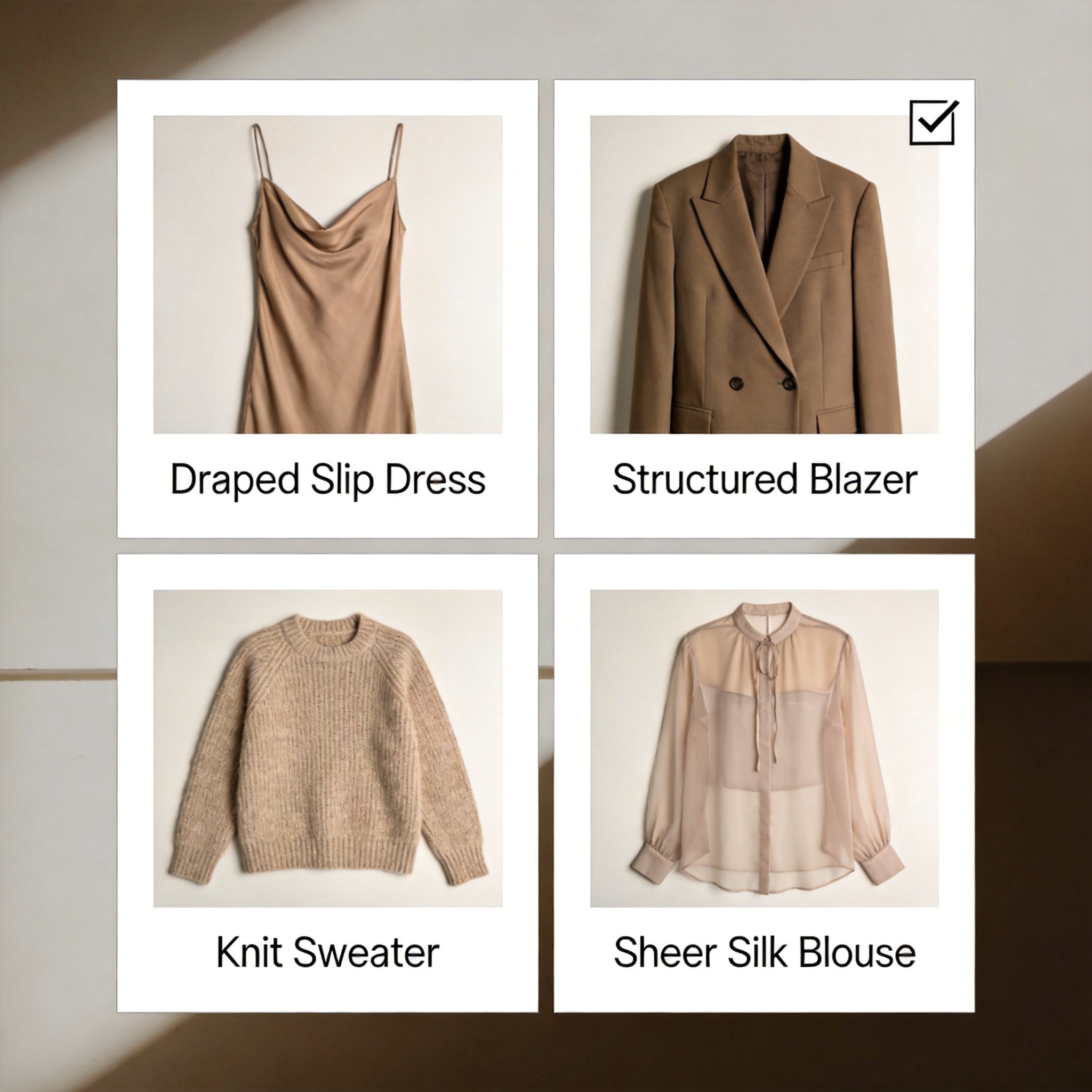
Do not process a slip dress and a puffer jacket in the same pass. Sort womenswear into four groups and run them separately:
| Category | Examples | AI handling |
|---|---|---|
| Draped | slip dresses, bias-cut skirts, caftans | Needs soft-edge mode; check the hem curve |
| Structured | blazers, sheath dresses, denim | Handles well; check lapels and darts |
| Knitwear | sweaters, cardigans, knit dresses | Preserve texture; avoid over-smoothing |
| Sheer / delicate | silk blouses, chiffon, lace | Highest failure rate; manual review needed |
The failures I see most often come from mixing categories. A knit sweater and a silk blouse need opposite edge settings — batch by fabric, not by product line.
Step 3: Process in garment-specific batches
With AI fashion model generation, the standard batch flow is: upload consistent photos, pick one model preset, run the batch, spot-check every fifth result. For womenswear I add two extra passes:
- Check length markers. Pencil the expected hem length onto your reference photo. Dresses and skirts are the garments most likely to be shortened or lengthened incorrectly by the model.
- Check neckline fidelity. V-necks, square necks, and boat necks are the single most common failure point on women's tops and dresses.
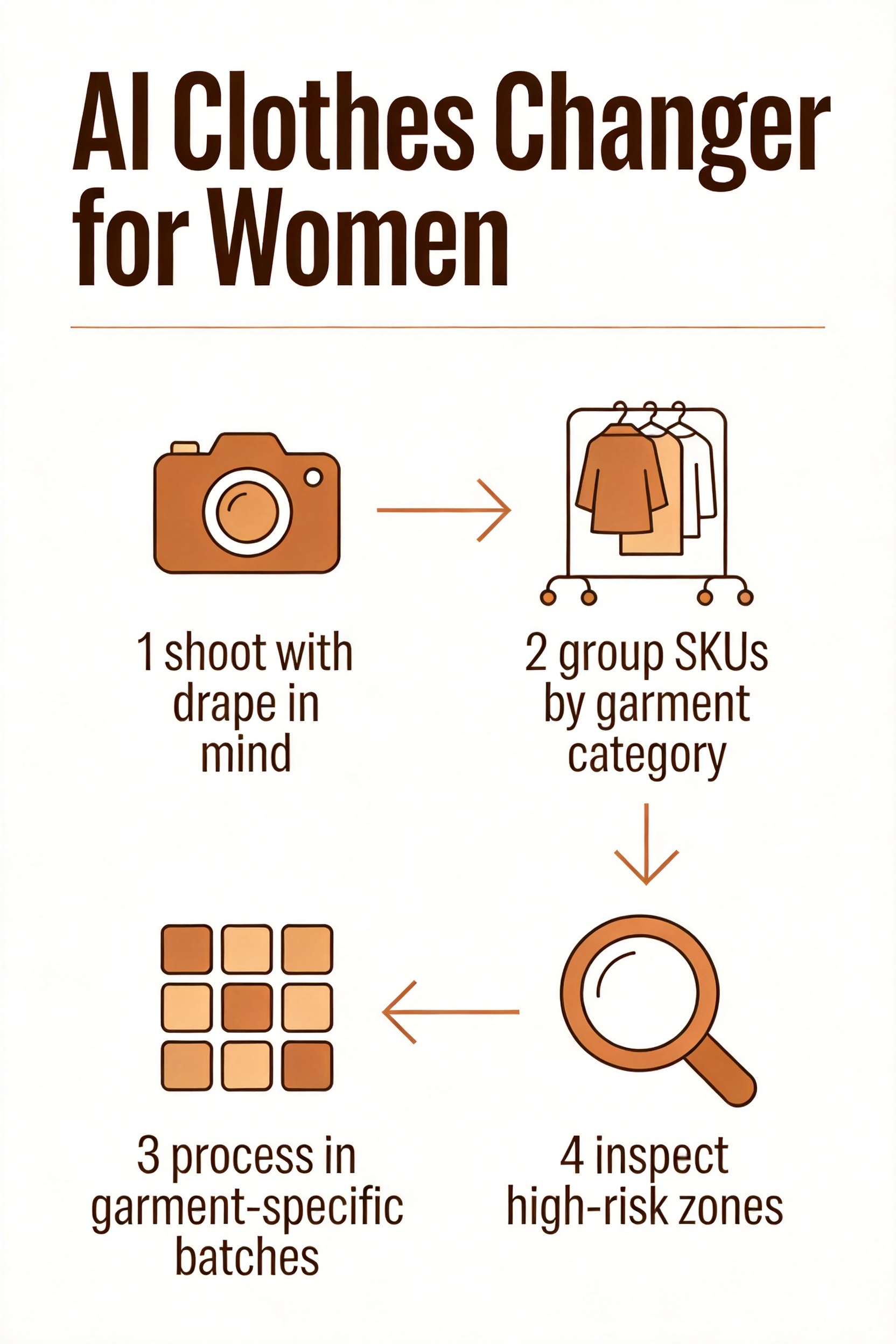
Step 4: Inspect the four high-risk zones before exporting
Skip this and you'll publish garments that look "almost right" — the most dangerous state in ecommerce photography.
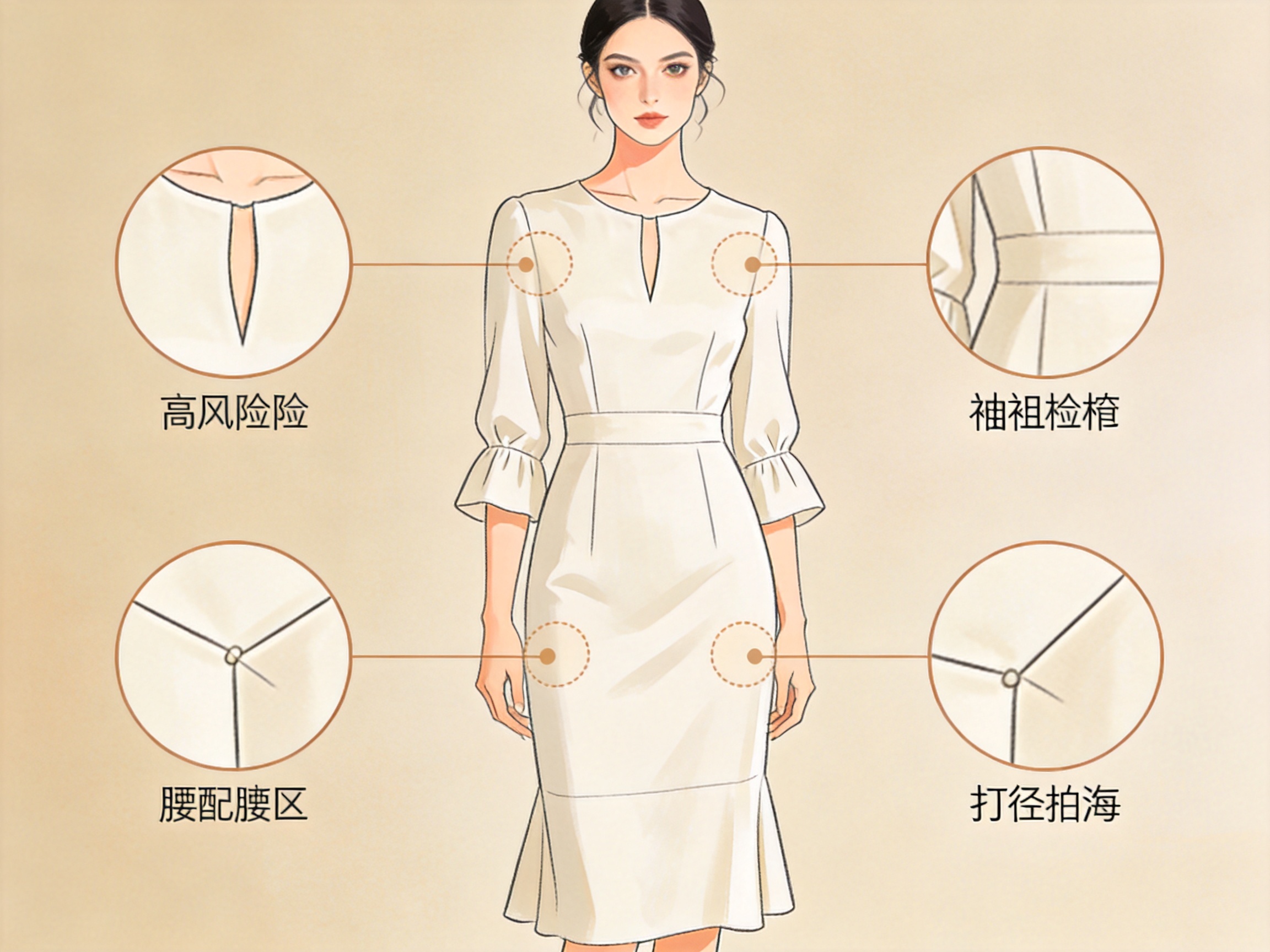
- Neckline. Does the V hit the same depth? Did a sweetheart neckline stay sweetheart?
- Sleeves. Where do the cuffs land? Blouse cuffs should not creep up the forearm.
- Waist and darts. Is the waistline where your pattern puts it? Darts should follow the fabric direction.
- Hem and drape. Does the dress keep its length? Is the fabric flowing, or collapsed into a flat slab?
Batch workflow for a womenswear collection
A 150-SKU dress line takes me roughly 40 minutes with this workflow — shooting is the bottleneck, not the AI. A manual retouching pass on the same line used to take 25+ hours.
- Shoot the full line in one session with consistent lighting
- Group by fabric and silhouette (Step 2)
- Run each group with its own edge profile
- Spot-check 1 in 10, flagging neckline and hem issues
- Re-run flagged items with manual edge refinement
- Export at 2000×2000 for marketplace compliance
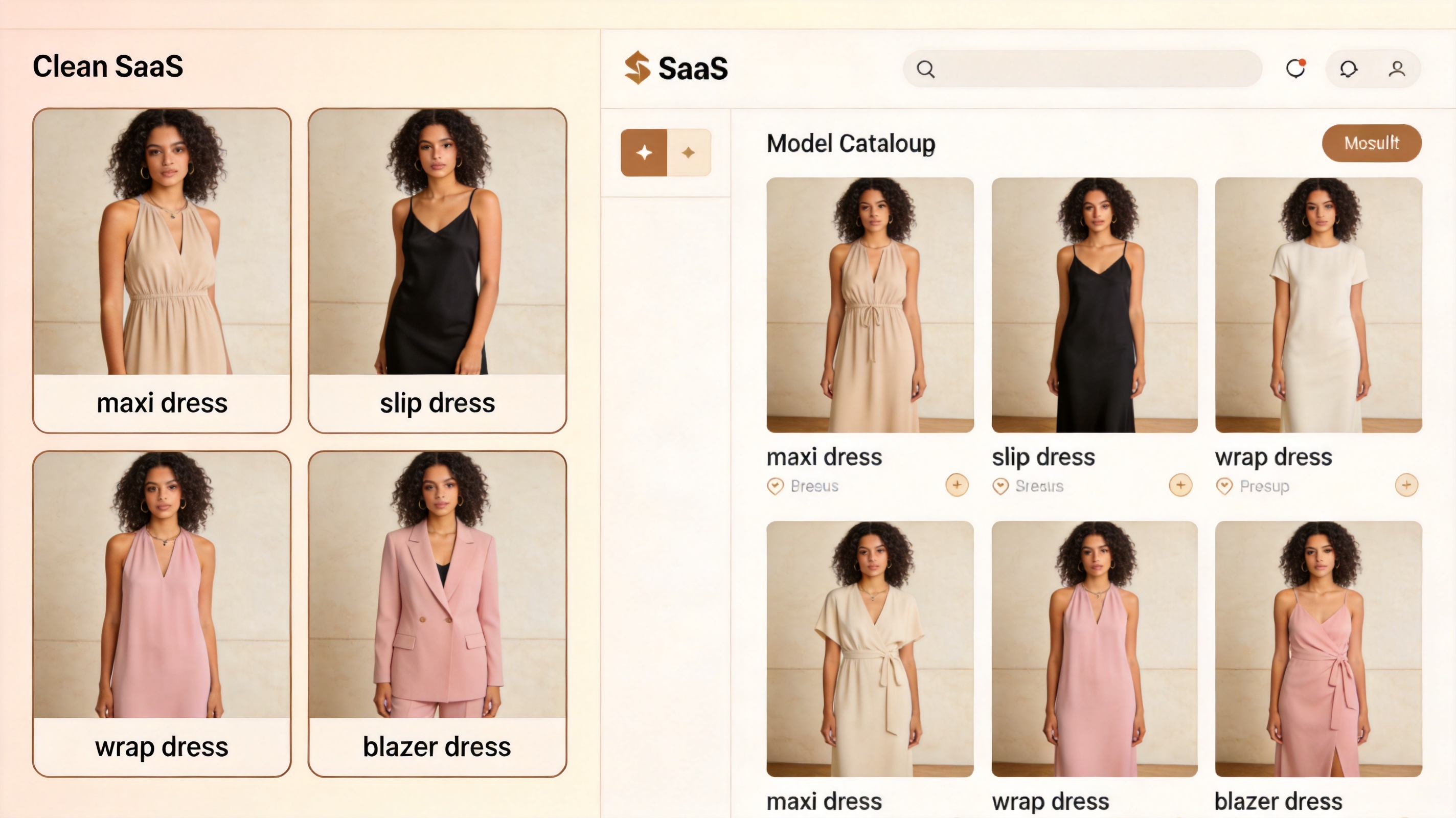
For the white background standards marketplaces expect, my white background product photos guide covers the exact specs for Amazon and Shopify apparel.
FAQ
Can an AI clothes changer for women handle dresses?
Yes, but dresses are the highest-risk category. Bias-cut and slip dresses need a soft-edge mode and a manual check of the hem curve. Structured dresses (sheath, shift) process reliably. Never batch dresses with knitwear or sheer fabrics.
Will the person in my photo look the same after the change?
Most modern tools preserve the face, skin tone, and body proportions when the input photo is clear and front-facing. Identity drift is the first sign that the input is too dark, too low-resolution, or shot at an angle.
Do these tools work for different body types?
Quality varies by tool. Models trained on diverse data handle varied proportions better. Test one garment on 3-4 body types before committing to a full batch — the same dress will not render identically on every silhouette.
What resolution do I need for womenswear?
At least 1,600px on the longest side for single garments; 2,000×2,000 for marketplace export. Low resolution is the most common cause of blurry fabric texture, especially in lace and knit detail.
How do I keep results consistent across a whole collection?
Use the same model preset, the same lighting, the same background, and batch by fabric type. The AI fashion model generator workflow keeps one model consistent across every SKU, which is what makes a catalog look like one photoshoot.
Why do my silk blouses come out looking like plastic?
The AI over-smooths fine fabric texture. Re-run with a "preserve texture" toggle, or shoot with slightly higher contrast so the weave stays visible to the model.
Verdict
An AI clothes changer for women's catalog work is genuinely production-ready — for structured garments. Dresses, sheer fabrics, and anything with drape need an extra pass and a human eye on the neckline, waist, and hem. Follow the category grouping in this guide, and the 40-minute full-line workflow replaces a 25-hour retouching job.
If you're starting from scratch, my ranking of the best AI clothes changers shows which tools handle womenswear's hardest cases — and which ones you should skip.
Ready to speed up your image workflow?
Generate AI fashion models, product photos, and virtual try-on images in minutes.