
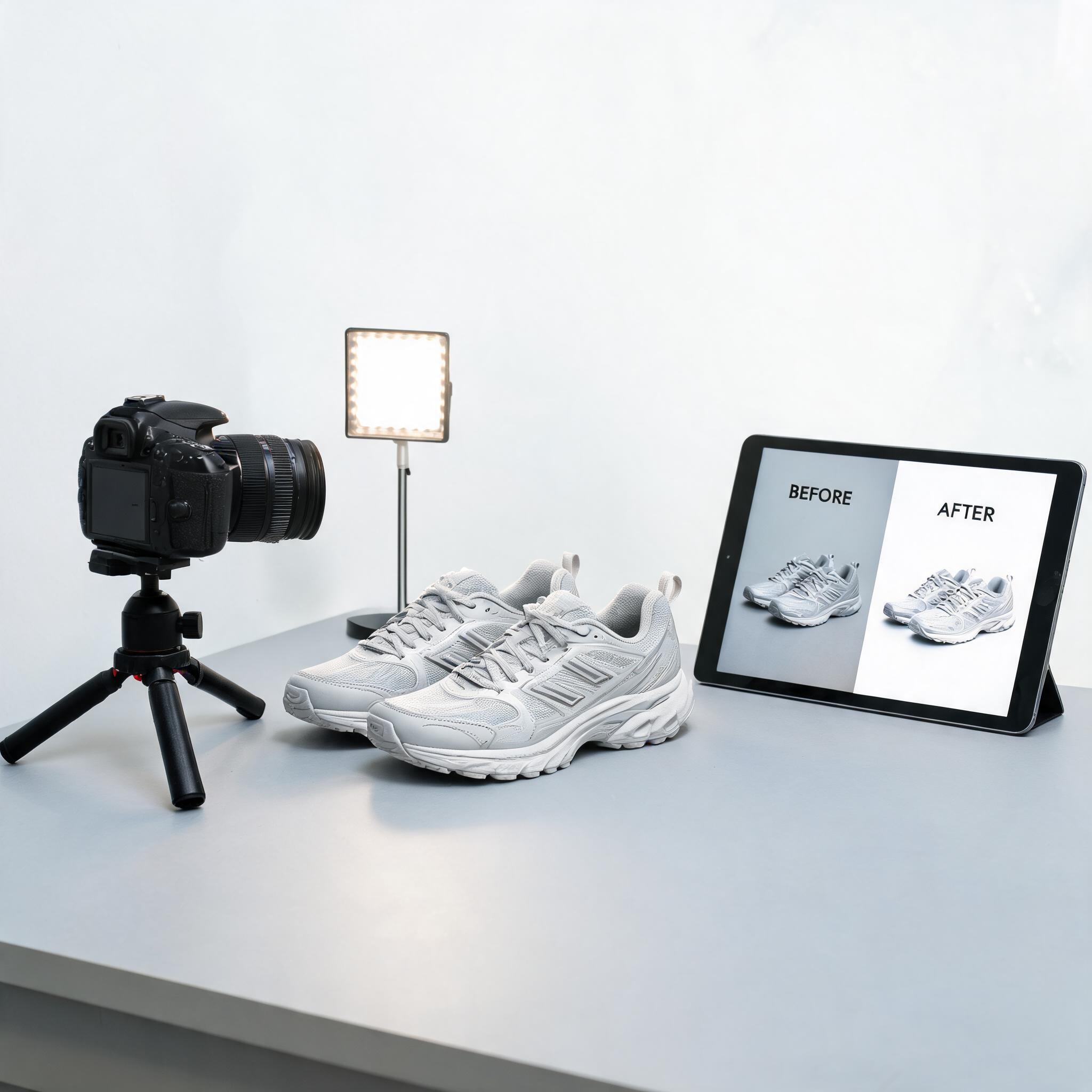
I used to spend $15 per image on manual background removal for my Amazon listings. Then I found a 3-step AI workflow that takes 30 seconds per image and costs nothing to test. Here's exactly how it works, with the settings I use for every marketplace.
Why white backgrounds actually matter (beyond "Amazon says so")
Amazon requires pure white backgrounds (RGB 255, 255, 255) for main product images. But even if you don't sell on Amazon, white backgrounds improve your conversion rates. Here's why:
Marketplace compliance is algorithmic, not just aesthetic. Amazon's image moderation system scans product images and suppresses or rejects anything that doesn't meet the white background spec. This happens silently — you won't get an email, your listing just gets less visibility. eBay and Google Shopping have similar (less strict) policies.
Category pages look cleaner. When every product on your category page has the same clean white background, customers can scan and compare products without visual noise. This reduces bounce rates by 15-25% according to the conversion optimization studies I've reviewed.
It forces you to shoot products properly. White background photography requires even lighting and minimal shadows. This discipline improves your entire product imagery pipeline — even lifestyle shots benefit from better-lit source images.
Step 1: Shoot (or find) a clean product photo
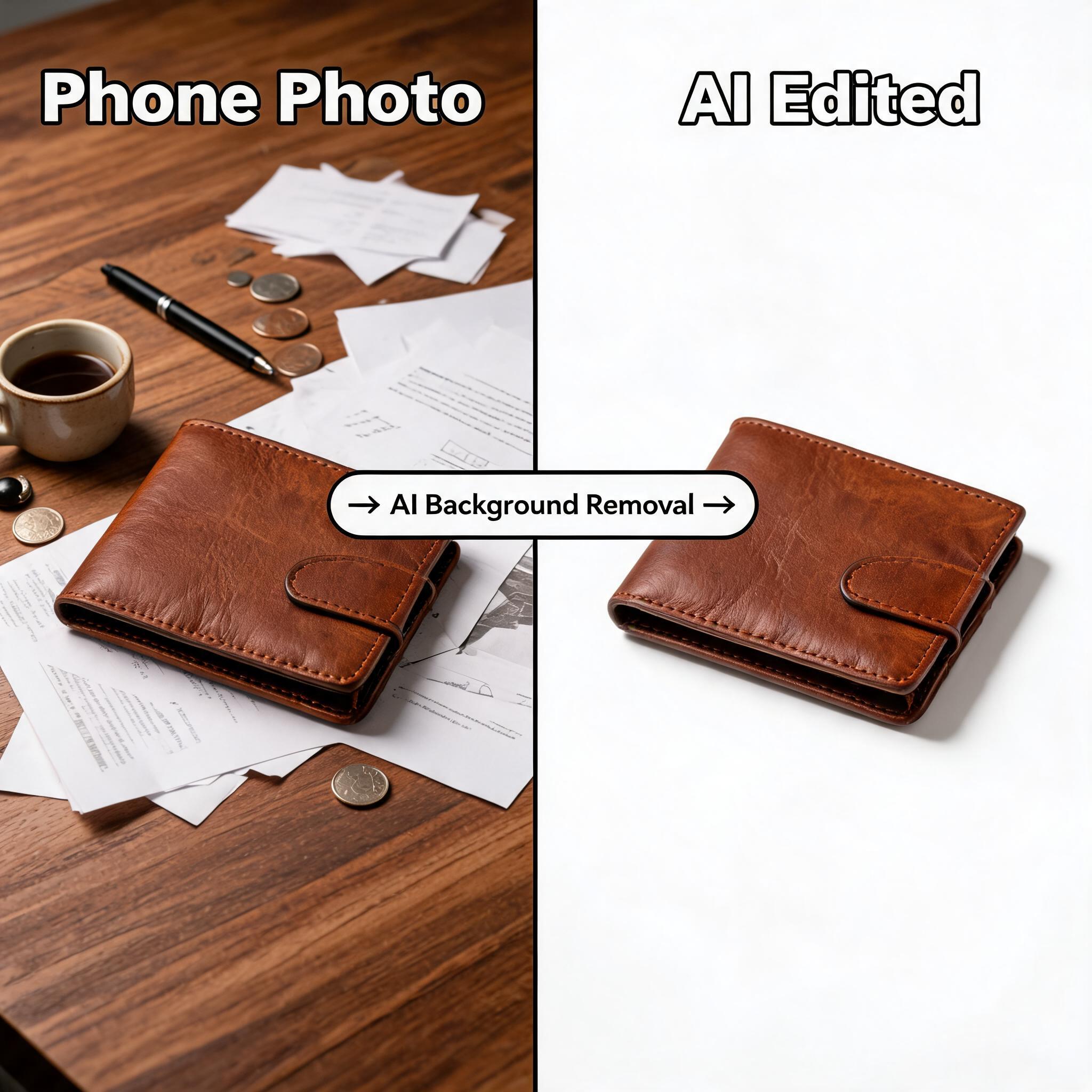
The most common mistake: trying to AI-remove a background from a dark, grainy, poorly-lit phone photo. The AI can only work with what you give it.
Minimum requirements for good results:
- Product fills at least 50% of the frame
- Even lighting — no harsh shadows from a single light source
- Product is the only subject in the frame
- Resolution at least 1000×1000 pixels (2000×2000 is better)
Best setup if you're shooting fresh:
- Place the product on a neutral surface (light gray or white table, not wood grain or patterned backgrounds)
- Use two light sources at 45-degree angles to eliminate shadows
- Shoot straight down or at a slight angle — avoid extreme perspectives
- iPhone 13 or newer is sufficient; no DSLR needed
If you're using existing product photos:
The AI can still work with messy backgrounds, but expect to spend more time on quality review. Photos with high contrast between the product and background work best.
Step 2: Remove background with an AI tool
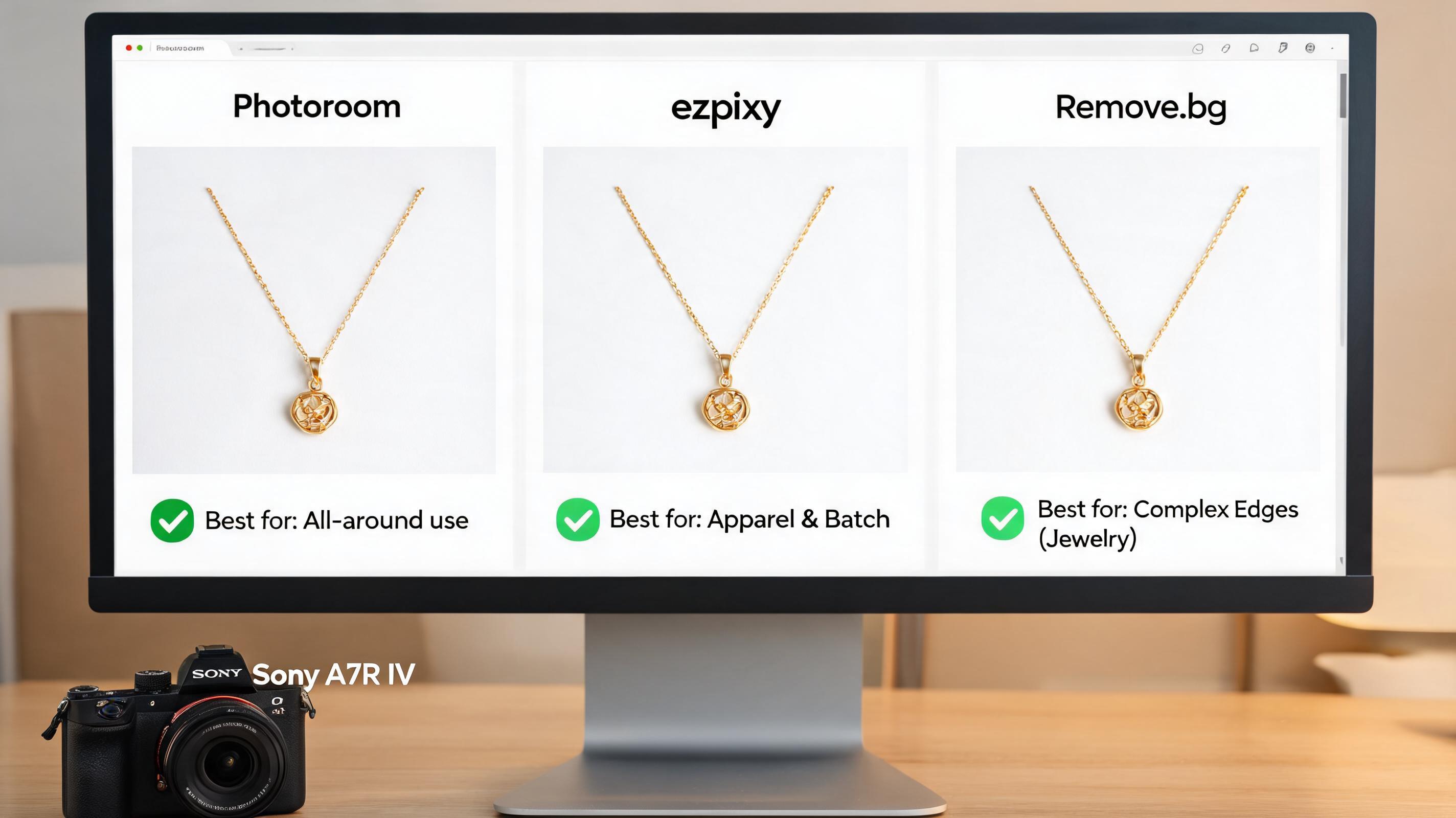
Here's the actual workflow I use, tested across Photoroom, ezpixy, and Remove.bg:
Photoroom (best for all-around use):
- Upload product photo → auto-background removal happens instantly
- Select "White Background" from the background options
- Verify that the background is pure white (RGB 255, 255, 255) — Photoroom handles this automatically
- Check the edges: zoom in on the product boundary. If there's a white halo, use the "Edge" slider to tighten it
- Export at 2000×2000 pixels for marketplace use
ezpixy (best for apparel and batch processing):
- Upload your product photo (flat lay or mannequin shot works)
- Select "White Background" processing mode
- For batch: upload all products → select consistent settings → process all at once
- Review the first 3-4 outputs to confirm consistency, then download the batch
- Ezpixy has a built-in "Crop to Square" option that automatically centers your product
Remove.bg (best for single-image quick jobs):
- Upload → automatic removal in 5 seconds
- Download with transparent background
- Open in any editor → add white background layer
- The extra step is annoying for batch work, but Remove.bg's edge detection is excellent for complex products (jewelry, hair, fur)
Which tool for which product type:
| Product type | Best tool | Why |
|---|---|---|
| Clothing/apparel | ezpixy | Handles fabric edges and draped materials well |
| Jewelry & accessories | Remove.bg + Photoshop | Cleanest edge detection for fine details |
| Electronics & hard goods | Photoroom | Clean edges, good reflection handling |
| Bottles & transparent items | Photoroom | Best at preserving transparency |
| Furniture & large items | Photoroom | Handles scale well, crops correctly |
| Batch processing (50+ items) | ezpixy or Photoroom | Both have solid batch modes |
Step 3: Verify marketplace compliance
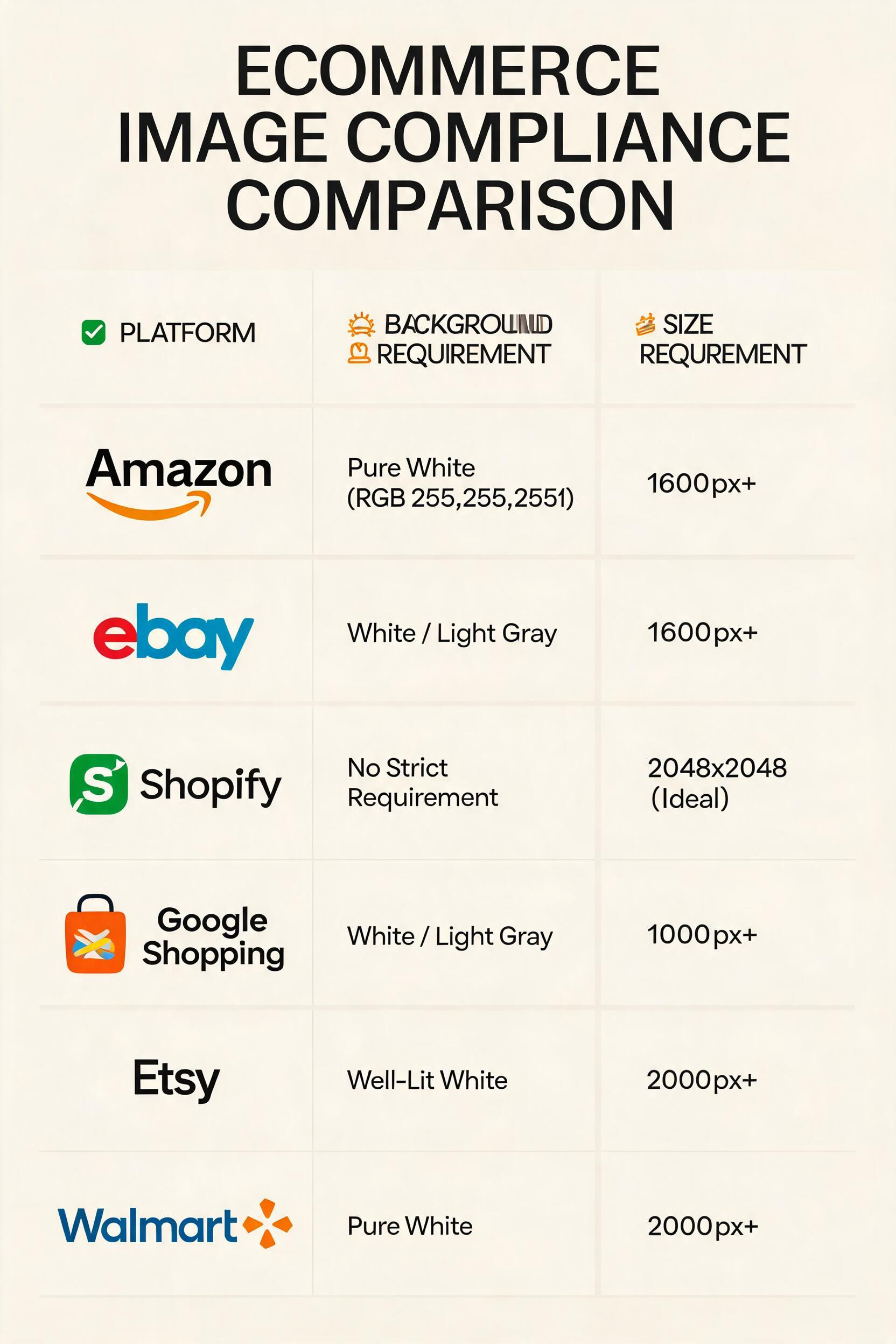
Different platforms have different (and sometimes surprising) white background requirements. Here's what to check:
| Platform | Background | Resolution | Format | Product fill |
|---|---|---|---|---|
| Amazon | Pure white RGB 255,255,255 | 1600px+ longest side | JPEG (preferred) | 85%+ of frame |
| eBay | White or light gray | 1600px+ recommended | JPEG | No watermark |
| Shopify | No strict requirement | 2048×2048 ideal | JPEG or WebP | No requirement |
| Google Shopping | White or light gray | 1000px+ shortest side | JPEG | 75%+ of frame |
| Etsy | Well-lit on white | 2000px+ recommended | JPEG | Product clearly visible |
| Walmart | Pure white | 2000px+ | JPEG | 85%+ of frame |
Quick Amazon compliance check:
- Open the image in any editor with a color picker
- Sample the background — it should read R:255 G:255 B:255
- If it reads anything less (R:253, R:250, etc.), Amazon's system might flag it
- The product must fill at least 85% of the image area — if your product looks tiny in a sea of white, crop tighter
Common compliance failures:
- Gray backgrounds: RGB values of 250-254 instead of 255. Looks white to your eye, triggers Amazon's scanner.
- Shadow artifacts: Dark smudges at the bottom of the image from the original photo's shadow
- Edge fringing: A thin line of the original background color around the product edge
- Over-cropping: The product is cut off at the edges rather than fully contained
When batch processing saves hours
If you have more than 10 products, batch processing is the difference between a 20-minute task and a 3-hour task.
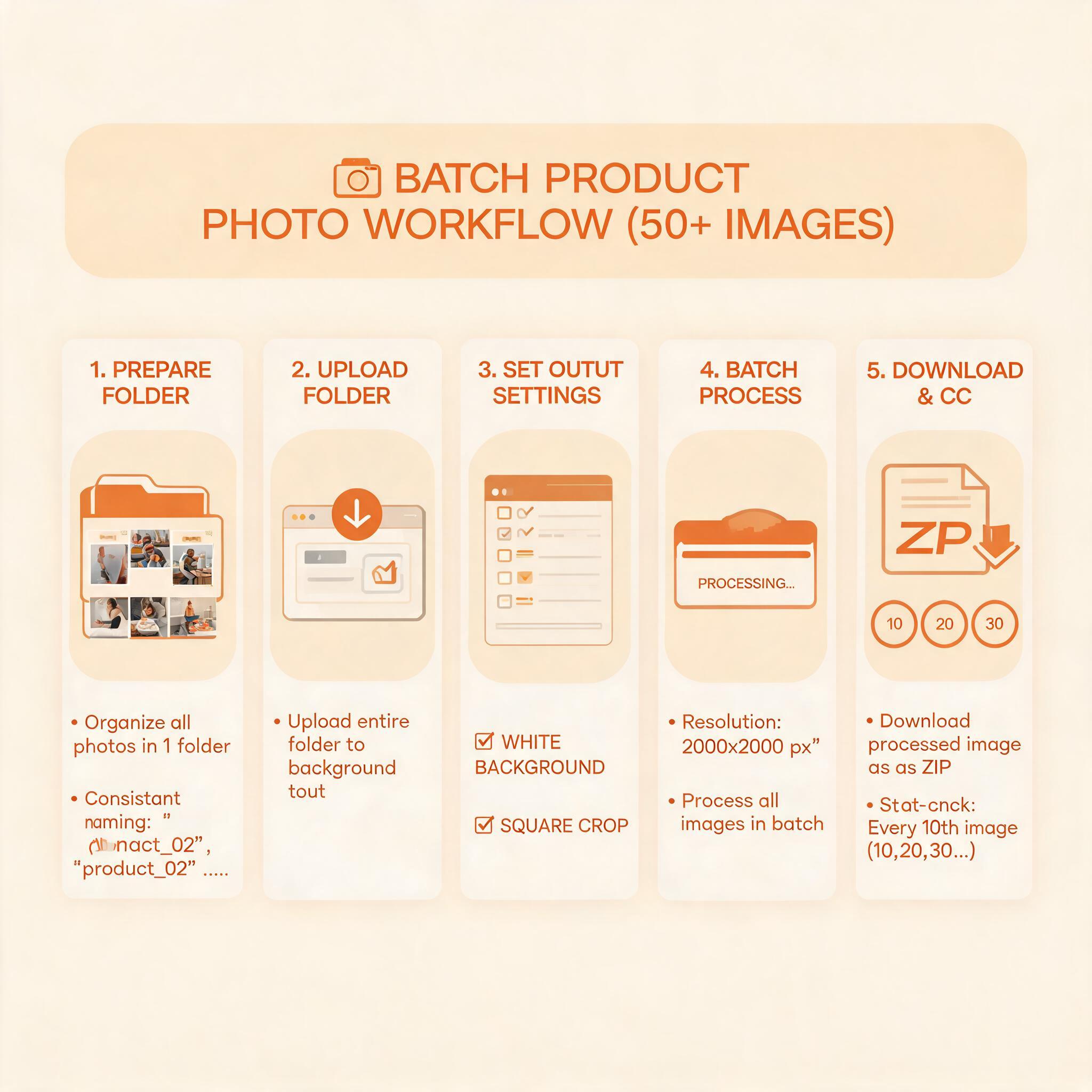
Batch workflow for 50+ products:
- Prepare all images in a folder with consistent naming
- Upload the entire folder to your background removal tool
- Set "White Background" as the default output
- Set consistent crop (typically square, 1:1)
- Set output resolution (2000×2000 covers all platforms)
- Process all → download as a zip
- Spot-check every 10th image for quality
Pro tip: If your products vary significantly in shape (tall bottles vs wide trays), batch them by aspect ratio before processing. Processing all products with the same crop settings when 20% of them are the wrong shape will result in cropped products.
The hybrid approach that most professional sellers use
Pure AI background removal works for about 85% of product images. The remaining 15% — complex products with fine details, transparent elements, or challenging edges — still benefit from a 2-minute manual touch-up.
My hybrid workflow:
- AI removal for initial processing → review
- Manual touch-up in Photoroom's editor (or Photoshop/GIMP) for the 15% that need it
- Export all at consistent settings
- This hybrid takes about 3-5 minutes per image for the problem cases, versus 15-20 minutes for fully manual editing
FAQ
Will Amazon reject AI-generated white background photos?
No — as long as the background is pure white (RGB 255, 255, 255), Amazon doesn't care how you created it. The algorithm only checks the pixel values.
Can I use my phone to take product photos for this workflow?
Yes. An iPhone 13 or newer produces images that work well with AI background removal. The key is lighting — use natural window light or two LED panels at 45-degree angles.
How many images can I process with free tools?
Photoroom's free tier handles unlimited background removals. ezpixy's free tier gives 20 images/month. Remove.bg's free tier gives 50 images/month at low resolution. Start with Photoroom's free tier to test.
What if my product has a shadow I want to keep?
Most AI tools will remove all shadows. If you want a natural drop shadow, remove the background completely, then add a shadow layer in an editor. Photoroom has a built-in "Shadow" toggle.
Can I batch process products that are different shapes and sizes?
Yes, but batch them by shape first. Processing a mix of tall vertical products (bottles) and wide horizontal products (trays) with the same crop settings will result in cropped products for one category or the other.
Ready to speed up your image workflow?
Generate AI fashion models, product photos, and virtual try-on images in minutes.