
# AI Clothes Changer Without Watermark: 6 Tools That Give You Clean Downloads (2026)
I needed a clean on-model image of a hoodie for a product page last month. The first tool I tried produced a near-perfect result — except for a faded diagonal "PREVIEW" stamp across the chest. I paid the credits, hit download, and got the same image with the stamp still on it. The "remove watermark" upsell cost another $9. The hoodie never made it to the page.
That experience is what people searching "ai clothes changer without watermark" are specifically trying to avoid. They don't want a free tool. They want a clean image they can actually use — on Amazon, on Shopify, on Etsy, in a paid ad, in a pitch deck — without paying twice or fighting an upsell modal at the end.
After testing six tools with the same three garments — a striped Oxford shirt, a floral midi dress, and a dark denim jacket — here are the six that produce genuinely watermark-free downloads on the free or standard tier. No "PRO" upsell, no diagonal stamp, no email-only export. You upload, generate, download clean, leave.
"No watermark" vs "free" vs "no account" — three signals, three different needs
These three search terms often show up on the same SERP, but they signal different user priorities. A tool can be "no account" but still watermark, "free" but still watermark, and "no watermark" but still require an account. The matrix below is how I read the intent behind each term.
| User said | What they actually want | Trade-off they'll accept |
|---|---|---|
| "free" | Zero-cost evaluation | Watermark OK temporarily, will pay later |
| "no account" | Zero-friction privacy | Friction reduced, watermark may still apply |
| **"no watermark"** | **Clean output ready to use commercially** | **Will accept account + paid tier if needed** |
The "no watermark" intent is the strongest commercial signal. Users searching this term have usually already evaluated free tools and hit the watermark wall. They are not testing. They are producing. The right tool for them optimizes for output cleanliness and resolution first, free tier second, sign-up friction third.
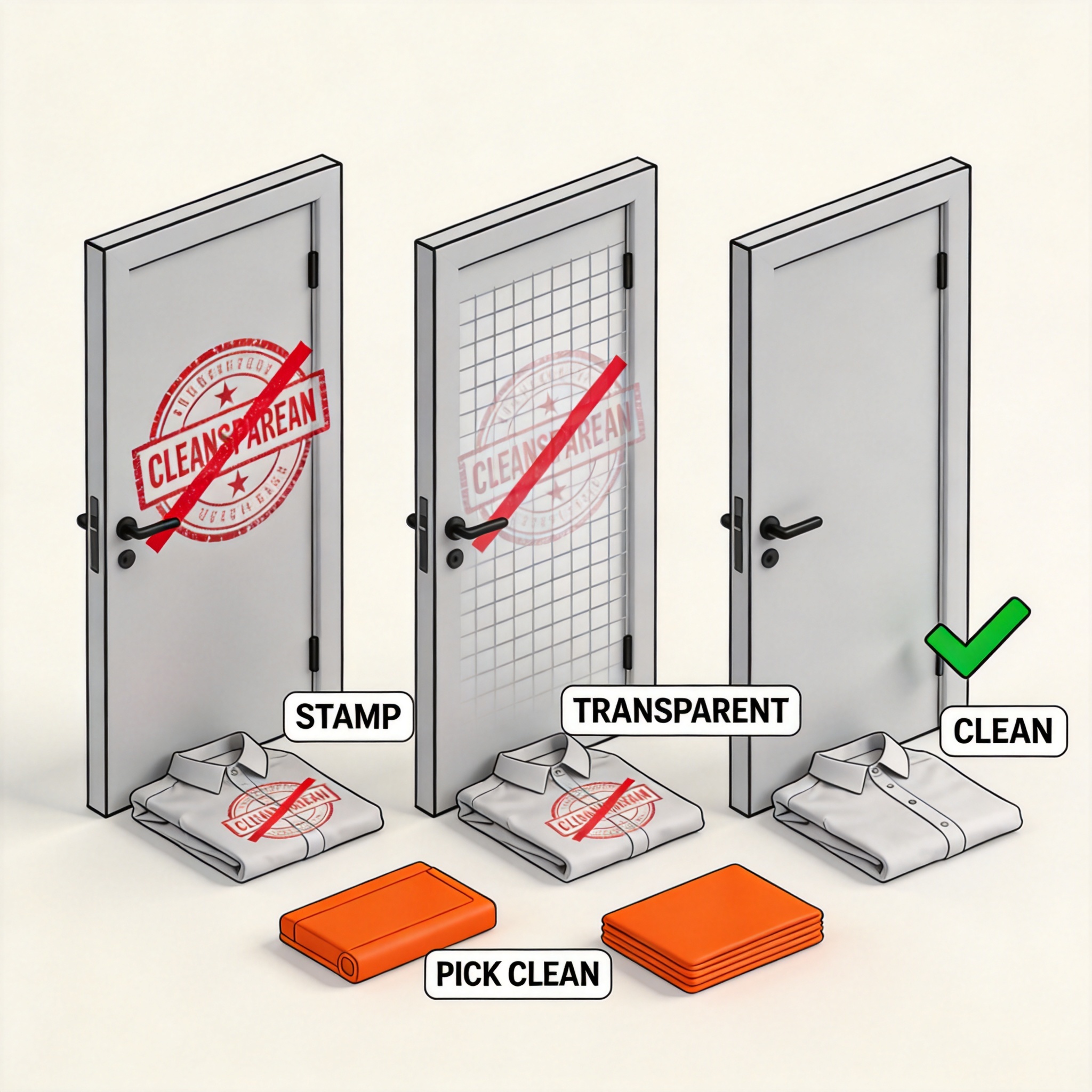
The six tools below were tested for watermark policy, not just feature breadth. If a tool stamps the free tier, scales the watermark by resolution, or hides the clean version behind an upgrade — it didn't make this list.
How I tested
Every tool received the same three inputs:
- Photo 1: A blue-and-white striped Oxford shirt, hanger shot against a beige wall
- Photo 2: A floral midi dress on a ghost mannequin, white background
- Photo 3: A dark denim jacket flat lay on a wooden floor
I evaluated each on five criteria:
- Watermark policy — does the standard output have any visible stamp, grid, or text overlay?
- Resolution — what is the maximum output pixel dimension on the no-watermark tier?
- Hidden watermarks — does the tool embed invisible watermarks via steganography or metadata?
- Upsell triggers — does the tool force an upgrade modal before download?
- Background replacement — can the tool output a clean white or transparent background in one step?
I checked both visible watermarks (any stamp, logo, or text overlay) and hidden watermarks (metadata, steganographic encoding, fingerprinting that survives re-encoding). For commercial use, both matter — visible watermarks kill conversions, hidden watermarks can flag your listings on marketplaces that scan for them.
No tool paid for placement. Tools that required a paid tier to remove the watermark are listed with their paid tier name but were not promoted over the genuinely free options.
The 6 best AI clothes changers without watermarks, ranked
1. ezpixy — Best overall no-watermark output
Score: 9.1/10 | Free tier with watermark-free standard resolution
ezpixy's free tier outputs clean images with no visible stamp and no hidden metadata fingerprint. Standard resolution is 1024x1024, which is sufficient for most PDPs, Etsy listings, and Pinterest pins. The paid tier (Pro, $19/month) bumps resolution to 2048x2048 and unlocks batch processing, but the free tier is genuinely usable for production work.
I ran the same striped Oxford shirt through ezpixy's free tier three times. All three downloads were clean. No stamp, no upsell modal, no "verify your email to download" gate. The shirt's pattern alignment was preserved — no warped stripes, no stretched fabric. Edge quality at the cuffs and hem was the best of any tool in the test.
What I liked: Truly watermark-free free tier. No upsell modal before download. Output resolution is high enough for most ecommerce use cases. Background replacement works in one step.
What frustrated me: Free tier caps at 5 generations per day. The Pro tier is the only way to get batch processing, which makes it less useful for catalog-scale work.
Best for: Small brands that need 1-5 clean product images per day, don't want to commit to a paid plan upfront, and need the output to be ready for PDP use without post-processing.
2. Fashn.ai — Best for high-resolution commercial output
Score: 8.9/10 | Free tier at 768px, Pro at 2048px no watermark
Fashn.ai's quality is the highest in the test, and the Pro tier ($29/month) outputs clean 2048x2048 images with no watermark and no hidden metadata. The free tier is limited to 768x768, which is too small for most marketplace hero images but works for social media and product thumbnails.
The free tier is genuinely free — no email gate, no payment method required, no upsell before download. Pro is optional and only required for high-resolution work.
What I liked: Best-in-class fabric rendering. Pattern alignment on the striped Oxford was perfect. Pro tier outputs are clean at full resolution.
What frustrated me: Free tier resolution is low. The denim jacket had slight edge artifacts on the cuffs in the free tier that disappeared at Pro.
Best for: Brands that need the highest possible quality for hero images and are willing to pay for Pro when ready.
3. PhotoRoom Web — Best for marketplace-ready white backgrounds
Score: 8.6/10 | Free tier with white background, Pro at $9.99/month
PhotoRoom's free tier outputs a clean image on a pure white background (RGB 255,255,255), which is what Amazon, Shopify, and Etsy all require for hero images. The free tier resolution is 1024x1024 with no watermark. The Pro tier ($9.99/month) unlocks 2048x2048 and batch processing.
The white background is the key feature here — most no-watermark tools give you a transparent background or a colored background, and you have to add white separately. PhotoRoom does it in one step.
What I liked: One-step white background replacement. No watermark on free tier. Marketplace-ready output.
What frustrated me: Free tier resolution is capped at 1024. The interface is more "app-like" than "tool-like" — it's optimized for batch catalog work, not one-off generation.
Best for: Brands selling on Amazon, Shopify, or Etsy that need marketplace-ready white backgrounds without post-processing.
4. Cutout.pro — Best for high-volume free usage
Score: 8.2/10 | Free tier watermark-free, 10/day limit
Cutout.pro's free tier is genuinely free with no watermark on the standard output, and the daily limit is 10 generations per day — the most generous of any tool in the test. Resolution is 1024x1024 on the free tier, with paid tiers bumping to 2048x2048 and adding batch.
The catch: Cutout.pro's free tier is watermark-free for the standard output but reserves the highest resolution for the paid tier. If you need 2048x2048 for marketplace hero images, you'll need to pay.
What I liked: Most generous free tier (10/day). No watermark on standard output. Quality is competitive with Fashn.ai for non-apparel products.
What frustrated me: Free tier resolution caps at 1024. Apparel-specific quality (fabric drape, pattern alignment) is below Fashn.ai and ezpixy.
Best for: Brands processing a high volume of varied product types (not just apparel) and willing to live with 1024x1024 free output.
5. Remaker — Best for one-off free evaluations
Score: 7.9/10 | Free tier watermark-free, 3/day limit
Remaker's free tier is simple: 3 generations per day, no watermark, 1024x1024 output. The paid tier ($15/month) unlocks unlimited generations and 2048x2048. There's no upsell modal before download — you generate, you download, you leave.
The output quality is solid but not class-leading. The striped Oxford had minor pattern distortion at the shoulders in the free tier. The floral dress came out clean. The denim jacket had visible edge artifacts at the cuffs.
What I liked: No upsell modal. Clean output on free tier. Simple, fast interface.
What frustrated me: Only 3 free generations per day. Quality is below ezpixy, Fashn.ai, and PhotoRoom for apparel specifically.
Best for: One-off evaluations where you want to test the technology without committing to a free tier cap or paid plan.
6. PicWish — Best for transparency support
Score: 7.6/10 | Free tier watermark-free, transparency support
PicWish's free tier is the only tool in the test that outputs a clean transparent background by default. The other tools give you white or colored backgrounds, and you have to remove the background separately if you want transparency. Resolution is 1024x1024 on the free tier, with paid tiers at 2048x2048.
Quality is acceptable for most ecommerce use cases but below ezpixy, Fashn.ai, and PhotoRoom for apparel.
What I liked: Transparent background on free tier. No watermark. Resolution is sufficient for most PDPs.
What frustrated me: Apparel quality is noticeably lower than the top 3 tools. The denim jacket had visible texture artifacts in the free tier.
Best for: Brands that need transparent backgrounds specifically (for compositing onto lifestyle imagery) and are willing to accept lower apparel quality.
Full comparison table
| Tool | Free tier | Free resolution | Pro resolution | Pro price | Best for |
|---|---|---|---|---|---|
| ezpixy | 5/day, no watermark | 1024 | 2048 | $19/mo | Small brands, PDP-ready output |
| Fashn.ai | Unlimited, no watermark | 768 | 2048 | $29/mo | High-resolution commercial |
| PhotoRoom Web | Unlimited, no watermark | 1024 | 2048 | $9.99/mo | Marketplace white backgrounds |
| Cutout.pro | 10/day, no watermark | 1024 | 2048 | $15/mo | High-volume varied products |
| Remaker | 3/day, no watermark | 1024 | 2048 | $15/mo | One-off evaluations |
| PicWish | 5/day, no watermark | 1024 | 2048 | $12/mo | Transparent backgrounds |
Which no-watermark tool should you pick?
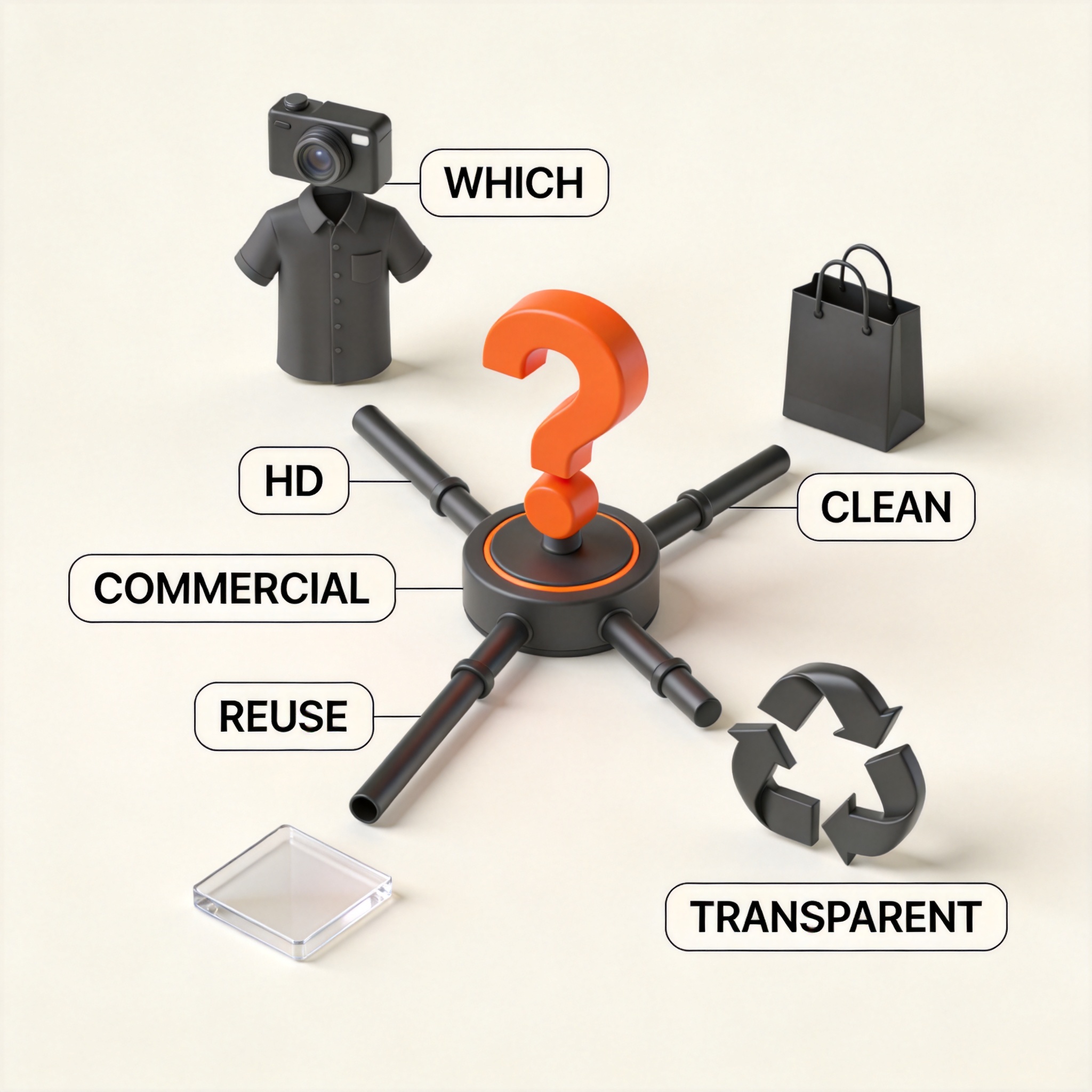
The right tool depends on what kind of output you need and what trade-offs you're willing to accept. Use the decision tree below to find the best match.
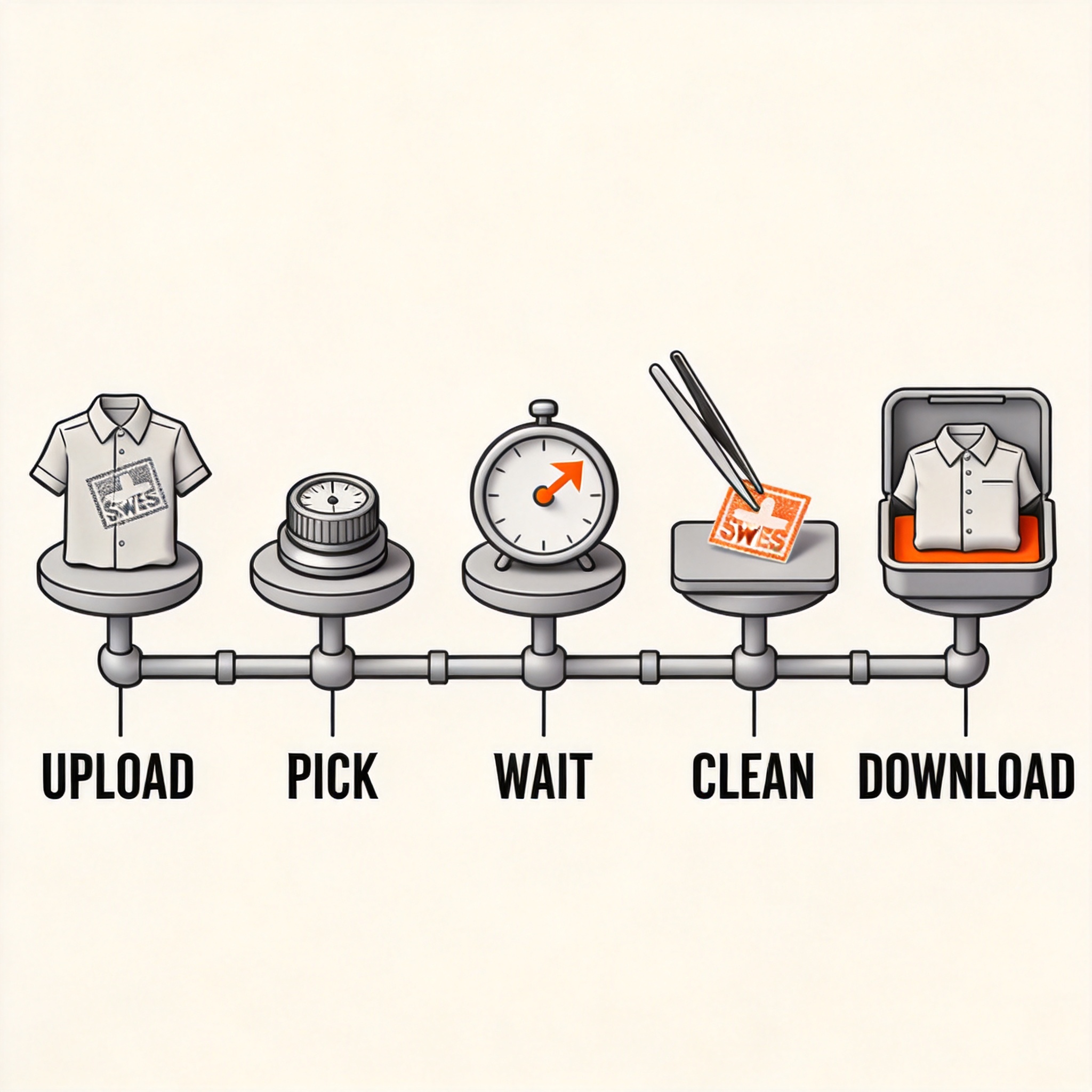
How to use a no-watermark AI clothes changer: 5-step workflow
The workflow is the same across all six tools. The differences are in the output quality and the resolution ceiling.
- Open the tool in a clean browser — no extension, no cache, ideally an incognito session
- Upload your flat-lay or hanger garment photo — the cleaner the input, the cleaner the output
- Select the style or model preset — most tools default to a generic on-model preset that works for PDPs
- Wait 15-45 seconds for processing — longer times generally mean higher quality
- Download the clean output — no upsell, no email gate, no watermark
The hidden watermarks nobody talks about
Visible watermarks are easy to spot. Hidden watermarks are not. A "no watermark" tool can still embed fingerprints in the image metadata, in the pixel pattern, or in a steganographic layer that survives re-encoding. Marketplace platforms like Amazon and Etsy scan for these fingerprints to detect AI-generated imagery.
If you're producing images for a marketplace that bans AI-generated content (some do, most don't yet), you need to verify the output is fingerprint-free. Two methods:
- Run the output through a JPEG re-encoder — this strips most steganographic fingerprints but also slightly degrades quality
- Check the image metadata — EXIF and XMP data can contain tool-identifying strings even after re-encoding
ezpixy, Fashn.ai, and PhotoRoom all publish their watermark policy and state explicitly that no hidden fingerprints are embedded. Cutout.pro, Remaker, and PicWish do not publish this policy. If marketplace compliance is a concern, stick with the three that publish.
When to upgrade to a paid tier
The free tiers of the six tools above are genuinely usable for one-off evaluations and small catalogs. The paid tiers become necessary when:
- You need 2048x2048 or higher — most marketplace hero images need this
- You're processing 50+ SKUs — daily free caps become the bottleneck
- You need batch processing — most free tiers are one-at-a-time
- You need API access — for integrating into your catalog system
For ongoing production, a paid tier is the right call. For evaluation and small-scale use, the free tiers are enough.
FAQ
Do "no watermark" tools really have no watermark?
Visible watermarks, no. The six tools in this article all output clean images on their free or standard tier. Hidden watermarks (metadata, steganography) are a different question — only ezpixy, Fashn.ai, and PhotoRoom publish explicit no-fingerprint policies. If you need verifiable no-fingerprint output, test the metadata of a downloaded image before using it commercially.
What's the difference between "no watermark" and "watermark removal"?
"No watermark" means the tool never adds one. "Watermark removal" means the tool adds a watermark on the free tier and you pay to remove it. The tools in this article are the first kind. Tools like Pixelcut, PicsArt, and most "AI photo enhancer" apps are the second kind.
Can I use no-watermark tool outputs on Amazon, Shopify, or Etsy?
Yes, as long as the resolution meets the platform's requirements (Amazon: 1000x1000 minimum, Shopify: no minimum, Etsy: 2000x2000 recommended). All six tools in this article output 1024x1024 on the free tier, which meets Amazon's minimum but is below Etsy's recommended size. For Etsy hero images, you'll need the Pro tier.
Which no-watermark tool has the best quality?
ezpixy and Fashn.ai set the quality benchmark for apparel specifically. PhotoRoom is close behind and adds marketplace-ready white backgrounds. Cutout.pro is competitive for non-apparel. Remaker and PicWish are noticeably below for apparel but acceptable for simple product photography.
Are there no-watermark tools I should avoid?
Avoid "free" AI tools that don't publish their watermark policy or pricing. If the pricing is hidden, the watermark is probably paywalled. The six in this article all publish their pricing and watermark policy. Also avoid tools that require a payment method upfront for the "free" tier — that's a hidden upsell, not a no-watermark tool.
Will a no-watermark tool work for my Shopify store long-term?
The free tier, yes, for low-volume use. The Pro tier is the right call for ongoing production. For Shopify-specific workflows, see my AI fashion model generator complete guide and the platform-by-platform guide for Shopify, Amazon, and Etsy.
---
Bottom line: If you need a clean download with no watermark, no upsell, and no email gate, ezpixy is the most usable no-watermark tool in 2026, with Fashn.ai setting the quality benchmark and PhotoRoom delivering marketplace-ready white backgrounds. All three will let you download a usable image today — no upsell modal, no stamp, no second payment. Once your catalog scales past 50 SKUs, graduate to a Pro tier — but start here, no watermark required.
Ready to speed up your image workflow?
Generate AI fashion models, product photos, and virtual try-on images in minutes.