
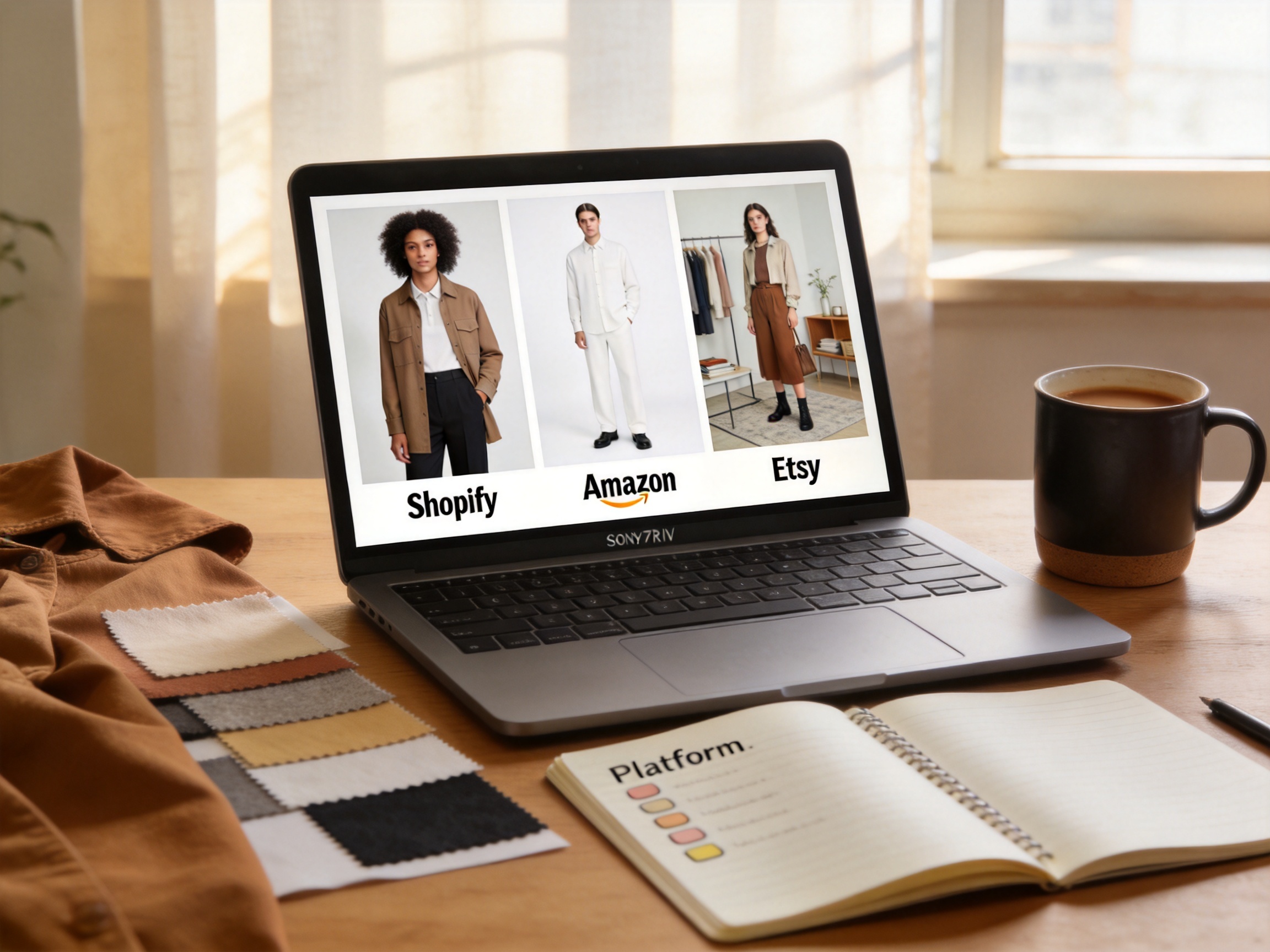
I uploaded the same floral midi dress to three different AI fashion model tools — one optimized for Shopify, one for Amazon, and one for Etsy. The outputs looked like they came from three different brands. Same dress. Same AI technology. Completely different results depending on which platform I was building for.
That's when I realized the big gap in every AI fashion model guide: nobody talks about platform requirements. They all say "generate beautiful on-model images" as if Shopify, Amazon, and Etsy want the same thing. They don't.
Here's what each platform actually needs from your AI fashion model output — and how to get it right the first time.
Why the platform matters more than the tool
An AI fashion model generator produces the same class of output no matter which tool you use: a photorealistic person wearing your garment. But each ecommerce platform enforces different image rules, and those rules shape everything from the background you pick to the resolution you export at.
Get it wrong, and two things happen. First, your listing gets suppressed — Amazon silently demotes product pages with non-compliant images. Second, your conversion rate drops because shoppers on each platform have different expectations. A Shopify customer browsing a DTC brand's collection page expects lifestyle imagery and brand consistency. An Amazon shopper scanning search results wants a clean, zoomable product shot on white. An Etsy buyer is looking for personality and styled context.
The tool is secondary. The platform spec is primary. Here's how to approach each one.
Shopify: brand consistency above everything
Shopify stores are judged on the collection page, not the individual product page. When a shopper scrolls through your "New Arrivals" or "Dresses" collection, they see every product thumbnail stacked in a grid. If your AI fashion models change face, body type, pose, or lighting between SKUs, the page looks like a sample sale — not a brand.
The Shopify AI fashion model checklist:
- Lock the same model identity across your entire catalog. Use the same model preset for every SKU in a collection. Ezpixy's model preset system keeps the same face, body type, and pose family across every generation, so your collection page reads as one coordinated shoot.
- Export at 2048×2048 pixels. Shopify's zoom feature activates at this resolution. Anything below and your customers can't inspect fabric detail.
- Use a consistent background — but it doesn't have to be white. Shopify has no background requirement. A light gray studio backdrop or a consistent lifestyle setting (brick wall, clean minimal room) works better than pure white for brand-building.
- Show the full garment. Shopify thumbnails are square and cropped tight. If your model is posed at an angle or the hem is cut off, the thumbnail won't show what the product actually is.
- Generate 3-4 angles per product where possible. Front, side, back, and detail shots give shoppers confidence without a physical try-on. AI model generation makes this cheap — a traditional shoot would triple your model fees for rear angles.
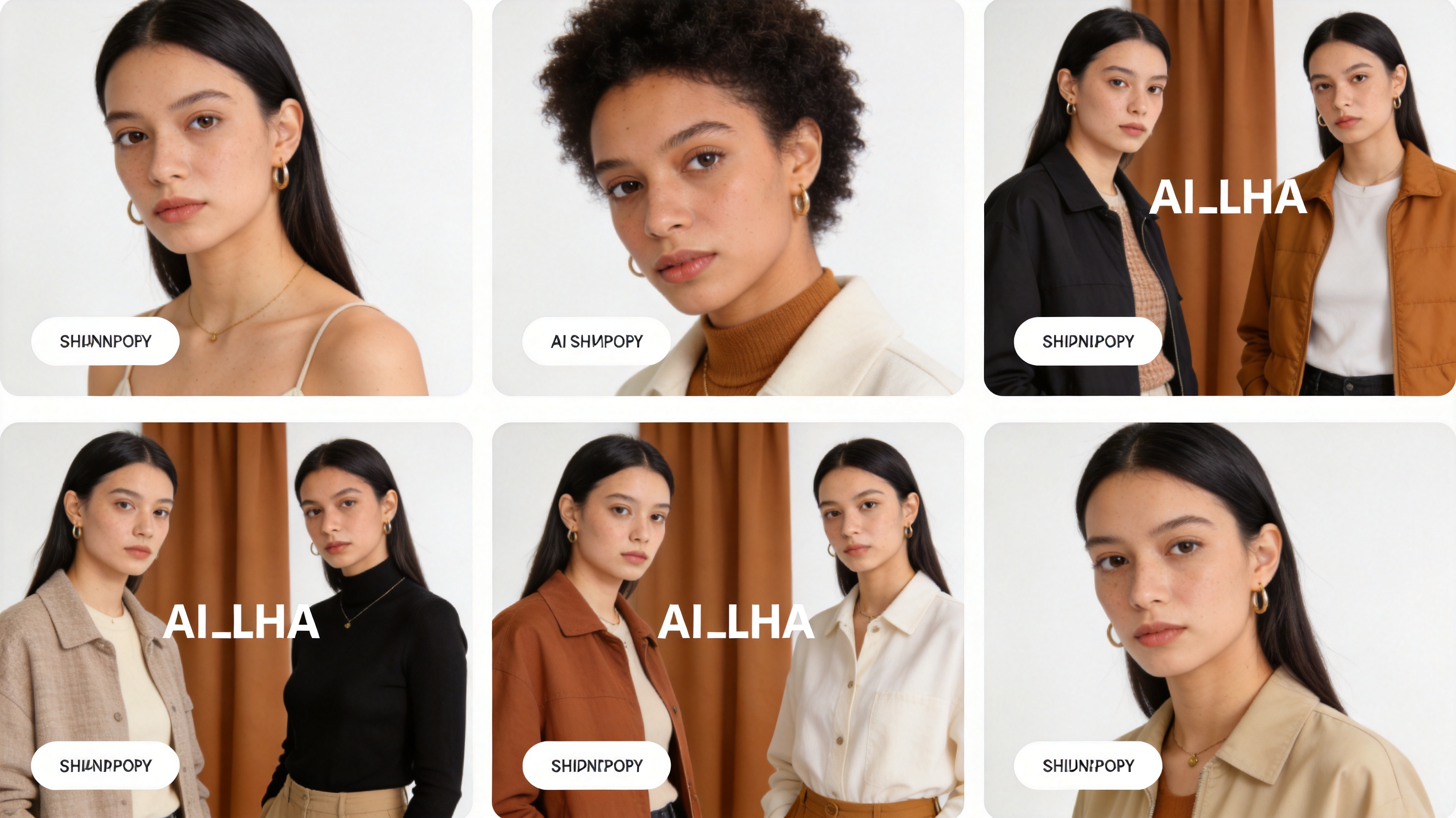
Brands using AI on Shopify report significant conversion improvements. The ShopOS guide found that most brands see a 15–40% improvement in add-to-cart rate when upgrading from flat lays to AI fashion model generation.
Amazon Apparel: the strictest spec in ecommerce
Amazon's apparel image scanner is automated and ruthless. I've had listings silently suppressed because the background measured RGB 254,254,254 instead of 255,255,255. That's a one-pixel difference invisible to the human eye, but Amazon's algorithm catches it every time.
The Amazon AI fashion model checklist:
- Pure white background, RGB 255,255,255 — no exceptions. Not off-white. Not light gray. Not "close enough." Run a color picker on your exported image and sample five points — all must read pure white.
- The garment must fill at least 85% of the frame. Amazon crops thumbnails aggressively. A model standing too far back means the garment is too small to identify in search results.
- No mannequin parts, no hangers visible. Your AI model must wear the garment like a real person. Ghost mannequin shots are not compliant for the main image.
- 2000×2000 minimum resolution. Amazon zooms at 1000px, but recommends 2000px to avoid compression artifacts.
- No watermarks, no logos, no text overlays on the image. Your AI tool must export clean. Free-tier tools that watermark outputs will fail Amazon's image scan.
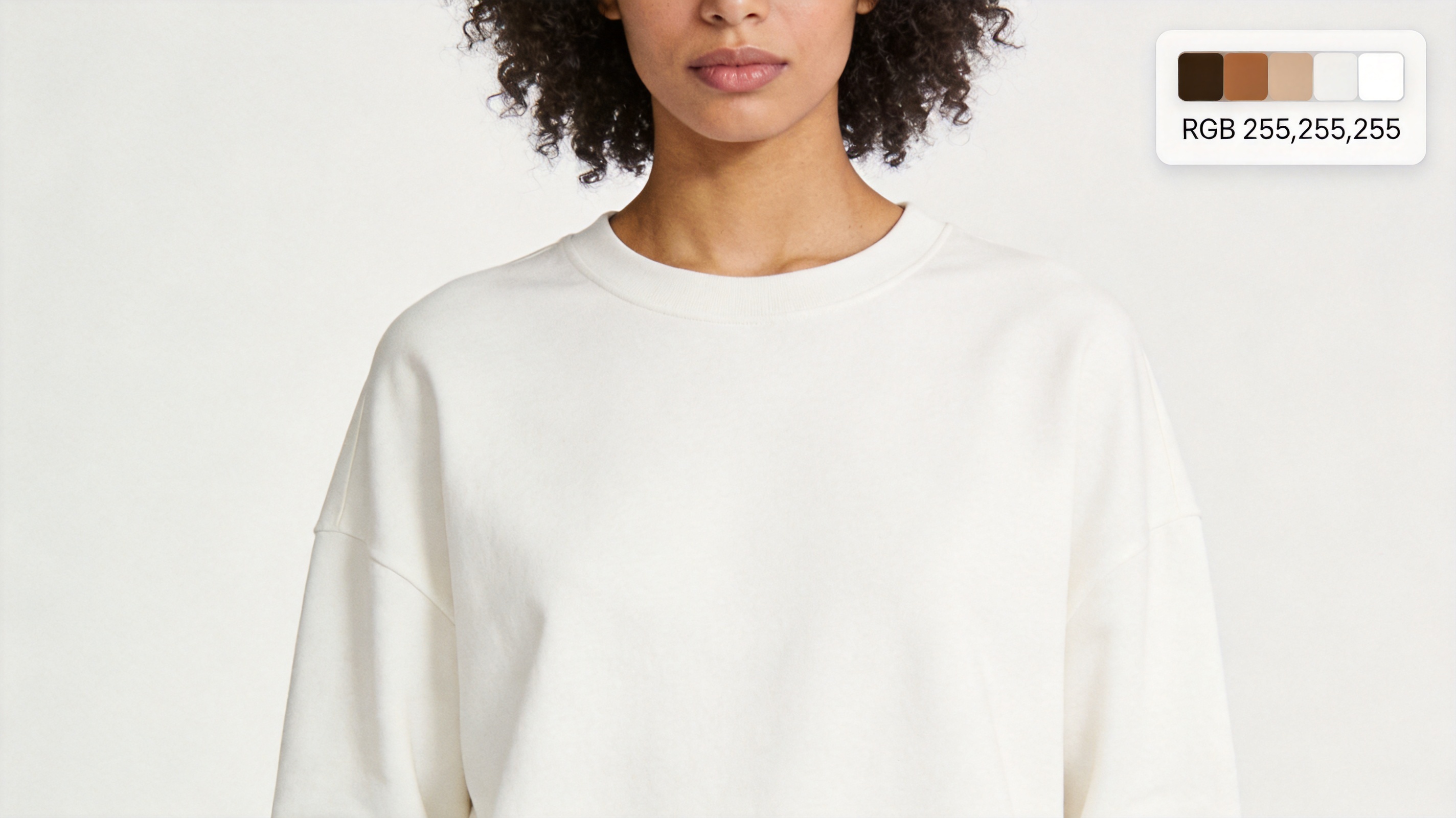
For the full white background workflow across every fabric and garment type, my white background clothing photos guide covers batch processing for 50+ SKUs with platform-specific export settings. If you're doing apparel specifically for Amazon, the clothing-focused guide handles the soft-edge issues (knit, silk, fringe) that generic background removers miss.
Etsy: creative freedom with a conversion catch
Etsy has the loosest image requirements — no mandatory white background, no minimum resolution, lifestyle and styled shots are not only allowed but encouraged. But this freedom creates a different problem: with no rules to guide you, it's easy to produce AI model images that look great on their own but don't convert in Etsy's search results.
The Etsy AI fashion model checklist:
- First image should be a front-facing, full-garment shot on a clean background. Etsy thumbnails in search results are small. A lifestyle shot with busy background elements gets lost. Save the creative styling for slots 2-5.
- Use natural, warm lighting. Etsy shoppers expect a handmade, personal feel. The cold studio lighting that works on Amazon feels sterile on Etsy.
- Show the garment in context when it helps the sale. A linen dress modeled in a sunlit garden tells a better story than the same dress on a white studio backdrop. Etsy rewards context-driven imagery.
- Square 1:1 required. This is Etsy's only hard requirement for the listing image format.
- At least 2000×2000px for zoom. Etsy recommends 2000px on the shortest side for the zoom hover feature.
Platform requirements at a glance
| Requirement | Shopify | Amazon | Etsy |
|---|---|---|---|
| Background | Any (consistent preferred) | Pure white RGB 255,255,255 | Any (clean preferred for main image) |
| Resolution (minimum) | 2048×2048 (for zoom) | 2000×2000 | 2000px shortest side |
| Aspect ratio | Square 1:1 | Square 1:1 | Square 1:1 |
| Model consistency | Critical — same model across all SKUs | Recommended but not enforced | Helpful but not required |
| Watermarks | Allowed but discouraged | Forbidden | Allowed but discouraged |
| Lifestyle imagery | Yes, for brand building | Main image: no. Additional: yes | Yes, encouraged in slots 2+ |
| Garment fill | >70% of frame | >85% of frame (strict) | >50% of frame suggested |
One workflow for three platforms
You don't need three separate AI tools or three different workflows. Here's how I process the same garment for all three platforms in one pass:
- Generate the base on-model image with AI fashion model generation — front-facing, full garment, consistent model identity, soft studio lighting.
- Export three versions from the same generation:
- Shopify version: Keep the soft studio background, export at 2048×2048.
- Amazon version: Apply pure white background (RGB 255,255,255), export at 2000×2000. Verify with a color picker before uploading.
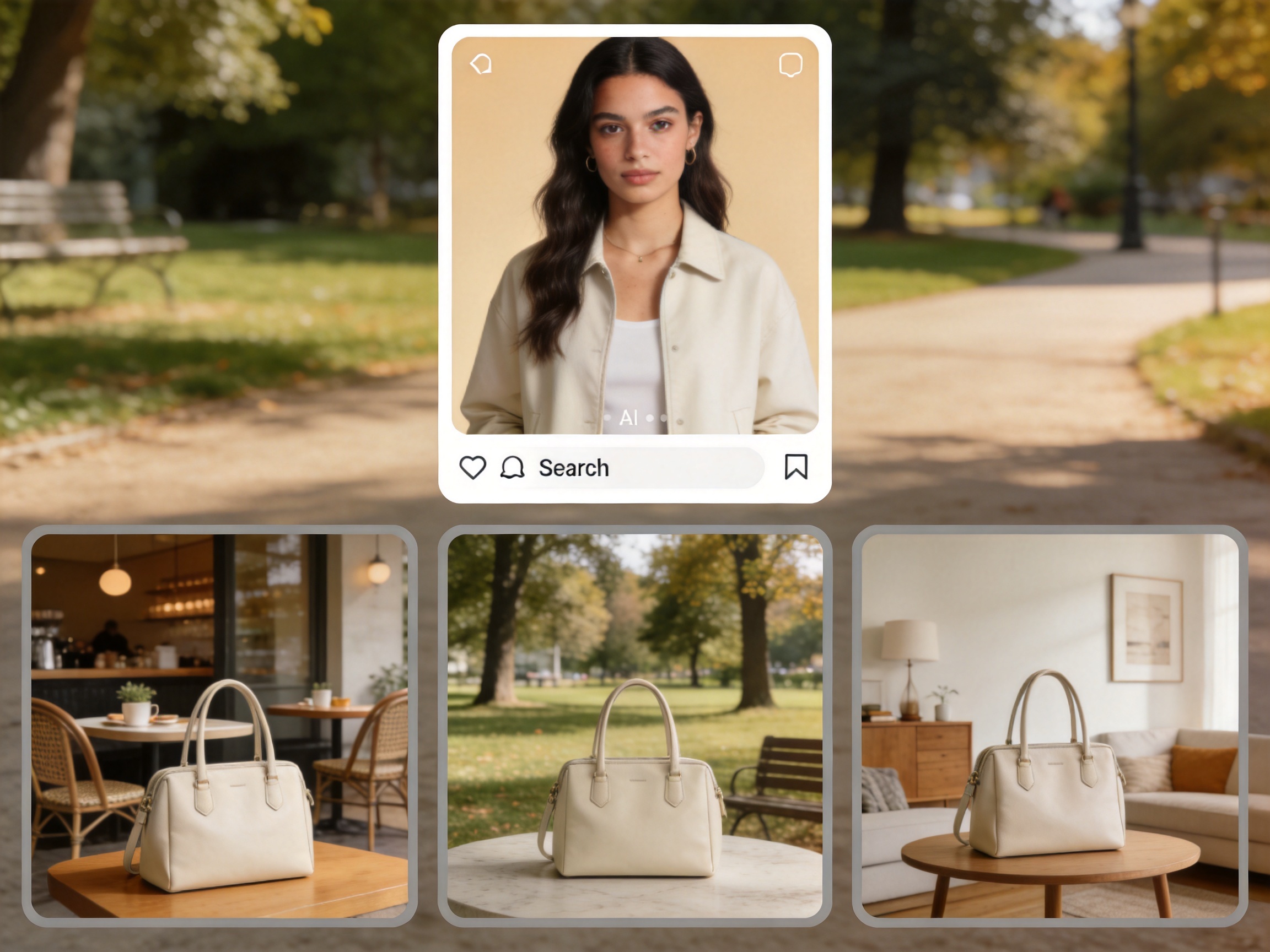
- Etsy version: Export the studio background version as the main image. Generate 1-2 styled alternative backgrounds (sunlit room, outdoor, minimal interior) for secondary listing slots.
- Batch cross-platform export — if your AI tool supports batch export profiles, save a preset for each platform and apply them to every SKU in the collection.
The same workflow also works for virtual try-on for clothing if you're testing shopper-facing features alongside your catalog updates.
FAQ
Does Shopify require white background product photos?
No. Shopify has no background color requirement. Consistent branded backgrounds (light gray studio, minimal room setting) often perform better for DTC brands than cold white backgrounds.
Can I use the same AI model image on Amazon and Shopify?
Not directly. The Amazon version needs a pure white background (RGB 255,255,255) and must pass an automated scan. A Shopify-branded image with a studio backdrop will fail Amazon's check. Generate from the same base image, export with platform-specific backgrounds.
What happens if my Amazon image has a slightly off-white background?
Amazon's scanner will flag it. The listing may still appear but will rank lower than competitors with compliant images. For high-volume SKUs, this directly impacts sales.
How many images do I need per product for each platform?
Shopify: 3-5 (front, side, back, detail, lifestyle). Amazon: 6-7 (white background main, alternate angles, detail, lifestyle). Etsy: 5-10 (clean main, styled lifestyle, detail, packaging, scale/context shot).
Can AI fashion models handle plus-size and diverse body types across all three platforms?
Yes, and you should use diverse models across all platforms — not just for ethics, but for conversion. McKinsey's 2024 retail report found that 67% of consumers consider brand inclusivity when purchasing, and shoppers who feel represented show 59% stronger brand loyalty. AI model libraries make diverse representation logistically simple across every marketplace.
What's the cheapest way to get compliant images for all three platforms?
Use an AI tool that supports batch export with background presets. Generate one base image per product, then export platform-specific versions with pure white background for Amazon, soft studio for Shopify, and styled lifestyle for Etsy — all from a single AI generation pass.
Verdict
The platform you're selling on decides the AI fashion model output you need, more than the tool you pick. Shopify wants brand consistency. Amazon wants measurable compliance. Etsy wants warmth and context. Understand the spec first, pick your AI tool second, and you'll produce images that work — not just look good.
For the tool comparison that matches each platform's requirements, start with best AI clothes changer for ecommerce and AI fashion model free tools.
Ready to speed up your image workflow?
Generate AI fashion models, product photos, and virtual try-on images in minutes.