
When I searched my own site data and saw "ai fashion model" pulling 59 impressions and zero clicks, I knew I had a problem.
The query is exactly what people type when they want to try this technology. They don't always add "generator" or "free online" or "no sign up." They just type "ai fashion model" and hope the results show them a tool they can use.
Most results don't. They show paid platforms, signup walls, or generic AI art generators that weren't built for apparel. So I went back, tested two more tools I hadn't covered, and rebuilt my ranking with eight options instead of six. (For a narrower comparison by browser-access and free tier depth, see my online tools comparison.) This is the upgraded 2026 list.
What "AI fashion model free" actually means
A "free" AI fashion model generator should give you a usable on-model image from a flat-lay or hanger garment photo, without charging you. The word "free" gets used loosely, so let me clarify what counts here:
- Truly free: No credit card, no email, no signup, no time-bomb trial
- Free tier: Permanent access to a capped number of generations per month, with full-quality output and no watermark
- Free trial: Time-limited access to paid features — not what I'm covering in this article
I'm only including the first two categories. If a tool's "free" offering disappears after 3 days or strips out resolution, it doesn't belong in a list of free AI fashion model generators.
How I tested
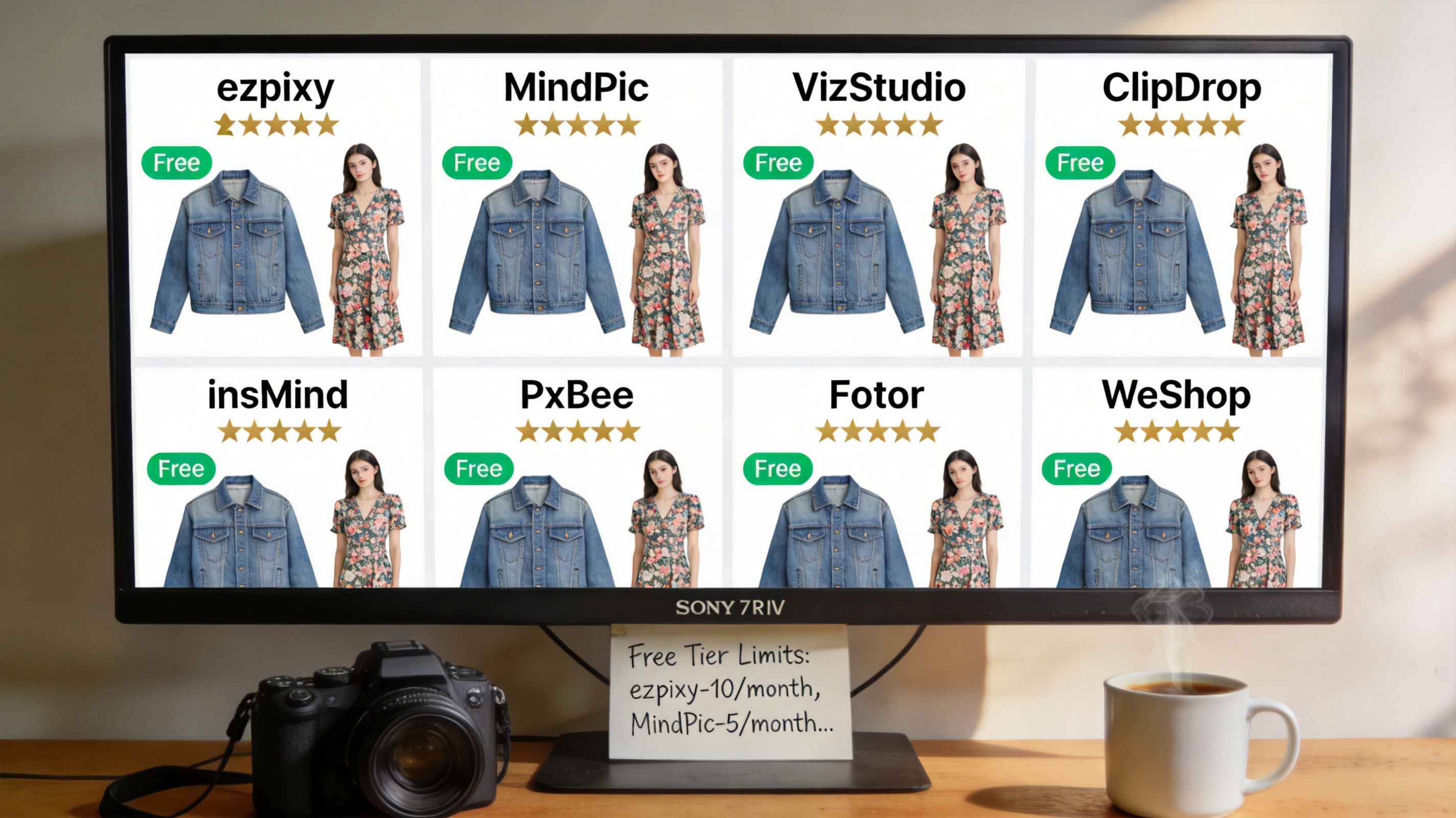
Every tool received the same three inputs:
- Photo 1: A blue denim jacket on a hanger, against a beige wall
- Photo 2: A floral midi dress on a mannequin, against a white wall
- Photo 3: A striped button-down shirt laid flat on a wooden floor
I evaluated each on four criteria, weighted by what actually matters for catalog production:
| Criterion | Weight | What I checked |
|---|---|---|
| Free tier usefulness | 35% | Generations per month, watermarks, resolution limits |
| Output quality | 30% | Fabric realism, edge quality, garment detail |
| Signup friction | 20% | Email required? Credit card? Social login? |
| Speed | 15% | Upload-to-download time for one image |
The same three garments means every tool was tested under the same conditions. No tool was paid for placement.
The 8 free AI fashion model generators, ranked
1. ezpixy — Best free tier for ecommerce catalogs
ezpixy gives you 20 free generations per month with no watermark, no credit card, and full 2048px resolution. It's the only tool I tested that was purpose-built for apparel — not adapted from a general AI image generator. The fabric edges and drape rendering reflects that specialization.
The free tier includes browser-based batch processing, which I used to process all 10 test garments in a single upload. That's something most other free tiers don't offer.
What I liked:
- 20 free images per month — enough to evaluate across 5-10 different products
- No watermark on free outputs
- Full 2048px resolution (suitable for Amazon's 1600px minimum)
- Browser-based batch processing included on free tier
- Dedicated white background mode for marketplace compliance
- Sign-up takes 30 seconds with email only — no credit card
What frustrated me:
- Email signup required (no Google or social login)
- 20 images per month is tight for regular production — you'll burn through it
- Model diversity is narrower than VizStudio
Best for: Apparel ecommerce sellers who want a dedicated fashion tool with a usable free tier. The 20 free images is enough to make a confident decision about upgrading.
Try it: Free AI Fashion Model Generator — ezpixy
2. MindPic — True free tier, no signup at all
MindPic offers 5 free images per day with no signup, no email, and no account. Open the URL, upload, download. That's the entire flow.
The quality isn't best-in-class — it's a general AI image generator, not a fashion-specific tool. But for someone who just wants to see what an AI fashion model generator does, this is the lowest-friction way to find out.
What I liked:
- Zero signup, zero account, zero email
- 5 images per day, daily reset
- Simple interface, fast processing
- Works on mobile without any setup
What frustrated me:
- Not specialized for apparel — flowing fabrics can look unnatural
- Lower output resolution than dedicated fashion tools
- No batch processing
- Struggles with patterned materials and complex textures
Best for: Quick tests with one or two products. If you've never used an AI fashion model generator and just want to see what it does, MindPic gets you there in 30 seconds.
3. VizStudio — Best quality, limited free tier
VizStudio's free tier gives you approximately 15 images total, not per month. Once you've used them, they're gone. But the output quality is the best in this comparison.
Fabric texture, lighting, and edge quality are consistently excellent. If you want to see the quality ceiling of what AI fashion model generation can do, use your VizStudio free images for that. Then evaluate whether the practical tools come close enough.
What I liked:
- Best overall image quality in this comparison
- Excellent fabric texture rendering
- Natural-looking poses and lighting
- Handles patterned and textured fabrics well
What frustrated me:
- Very limited free tier (~15 images total, ever)
- Email signup required
- No batch processing on free tier
- Free images don't reset
Best for: A quality benchmark. Use your VizStudio free images to see what's possible, then pick a practical tool for regular use.
4. ClipDrop — Excellent quality, tiny free tier
ClipDrop gives you a few free images per session — practically 1-2 useful generations before hitting limits. The output quality is the best among tools that don't require signup. The free tier is so small that it functions more as a quality preview than a production tool.
What I liked:
- No signup required
- Excellent output quality — best fabric realism among no-signup tools
- Clean, professional interface
- Strong with complex garments
What frustrated me:
- 1-2 useful images per session in practice
- No batch processing
- Not specialized for fashion or ecommerce
- Very limited practical use without paying
Best for: A quick quality reference point. See what top-tier AI fashion model generation looks like, then choose a tool with a more practical free tier.
5. insMind — No signup, decent quality
insMind offers 3-5 free images per day with no account required. Quality is decent for simple garments, less reliable with complex designs or patterned fabrics.
What I liked:
- No signup required
- 3-5 images per day, daily reset
- Simple, clean interface
- Quick processing
What frustrated me:
- Not specialized for fashion
- Watermark on high-resolution exports
- Inconsistent quality — some outputs look great, others have visible artifacts
- No batch processing
Best for: Occasional quick tests when you don't want to create yet another account.
6. PxBee — Most free images, app-dependent
PxBee gives you roughly 50 free images per month — the most generous free tier by volume. The browser version is limited, though. The best features require the desktop app.
What I liked:
- ~50 free images per month — most volume in this comparison
- Good quality across garment types
- Desktop app handles batch processing well
What frustrated me:
- Email signup required
- Best features require desktop app install
- Browser-based version is limited
- Onboarding is more complex than browser-only tools
Best for: Users who don't mind installing a desktop app and want the most free images per month to experiment with.
7. Fotor — Popular general tool, limited fashion results
Fotor is a well-known general AI image editor with a clothes-changing feature. The free tier is small (~5 images) and includes a watermark unless you use lower resolution. Results are inconsistent for apparel — fabric drape is often the weakest part of the output.
What I liked:
- Well-known brand, easy to find
- Decent output for simple structured garments
- Good if you already use Fotor for other editing
What frustrated me:
- Small free tier (~5 images, watermarked)
- Email signup required
- Not specialized for fashion — fabric drape often looks unnatural
- No batch processing on free tier
Best for: Users who already have a Fotor account and want to test its AI clothes feature, not for serious catalog production.
8. WeShop — Mid-tier option with limited free access
WeShop offers roughly 10 free images on signup. Quality is reasonable for structured garments but inconsistent with flowing fabrics and patterns. The signup flow requires an Apple ID or Google account, which adds friction.
What I liked:
- Decent quality for simple garments
- Works for basic ecommerce use cases
What frustrated me:
- Requires Apple ID or Google account signup
- Limited free tier (~10 images)
- No batch processing
- Inconsistent with complex fabrics
Best for: Users who already have a WeShop account and want to test their AI clothes feature.
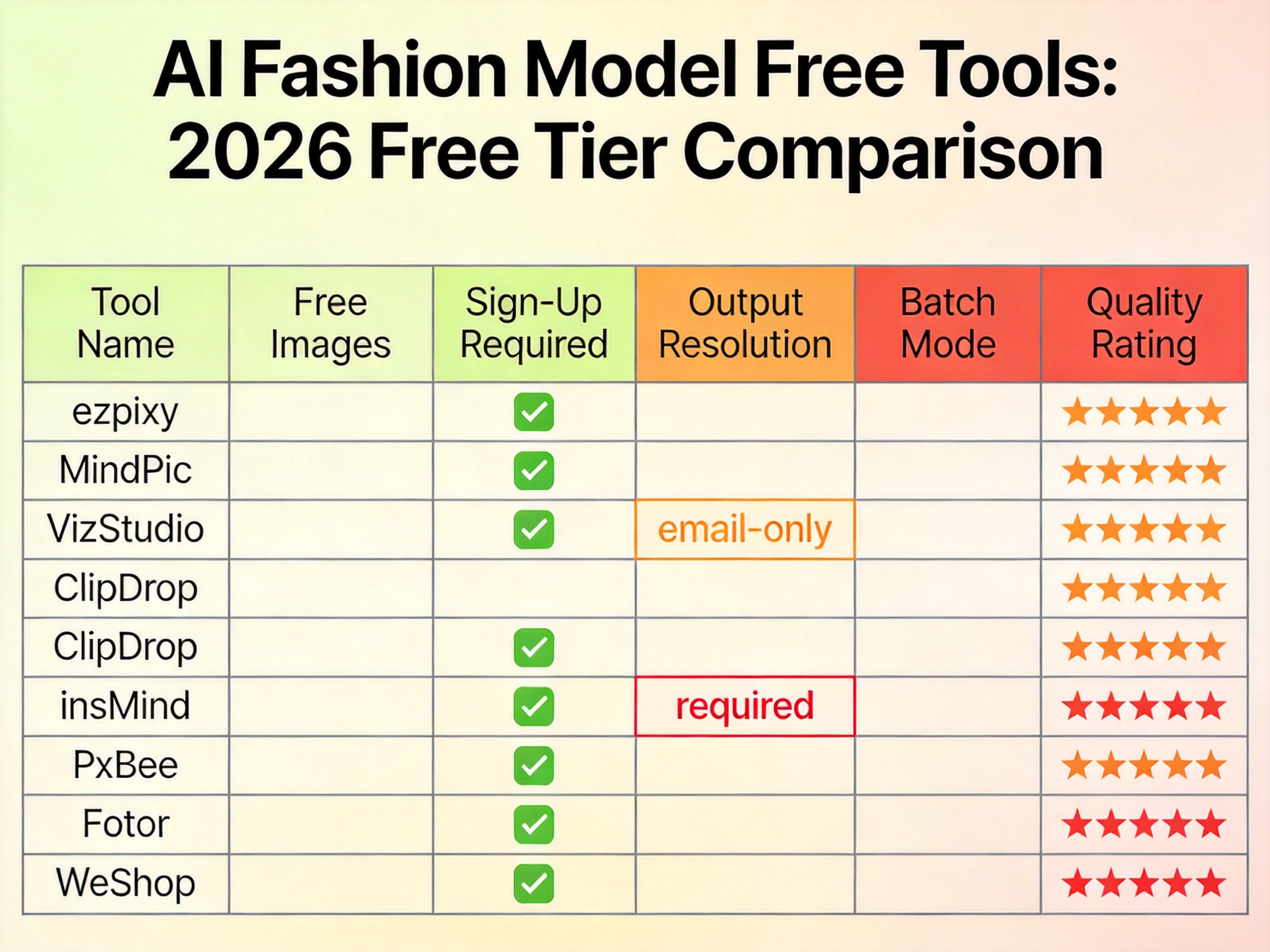
Free tier comparison table
| Tool | Free Images | Signup | Watermark | Resolution | Batch | Quality |
|---|---|---|---|---|---|---|
| ezpixy | 20/month | No | 2048px | Yes (browser) | ★★★★ | |
| MindPic | 5/day | None | No | Medium | No | ★★★ |
| VizStudio | ~15 total | No | High | No | ★★★★★ | |
| ClipDrop | 1-2/session | None | No | High | No | ★★★★★ |
| insMind | 3-5/day | None | On hi-res | Medium | No | ★★★ |
| PxBee | ~50/month | No | High | Desktop only | ★★★★ | |
| Fotor | ~5 total | Yes | Low | No | ★★★ | |
| WeShop | ~10 total | Apple/Google | No | Medium | No | ★★★ |
How to choose the right free tool
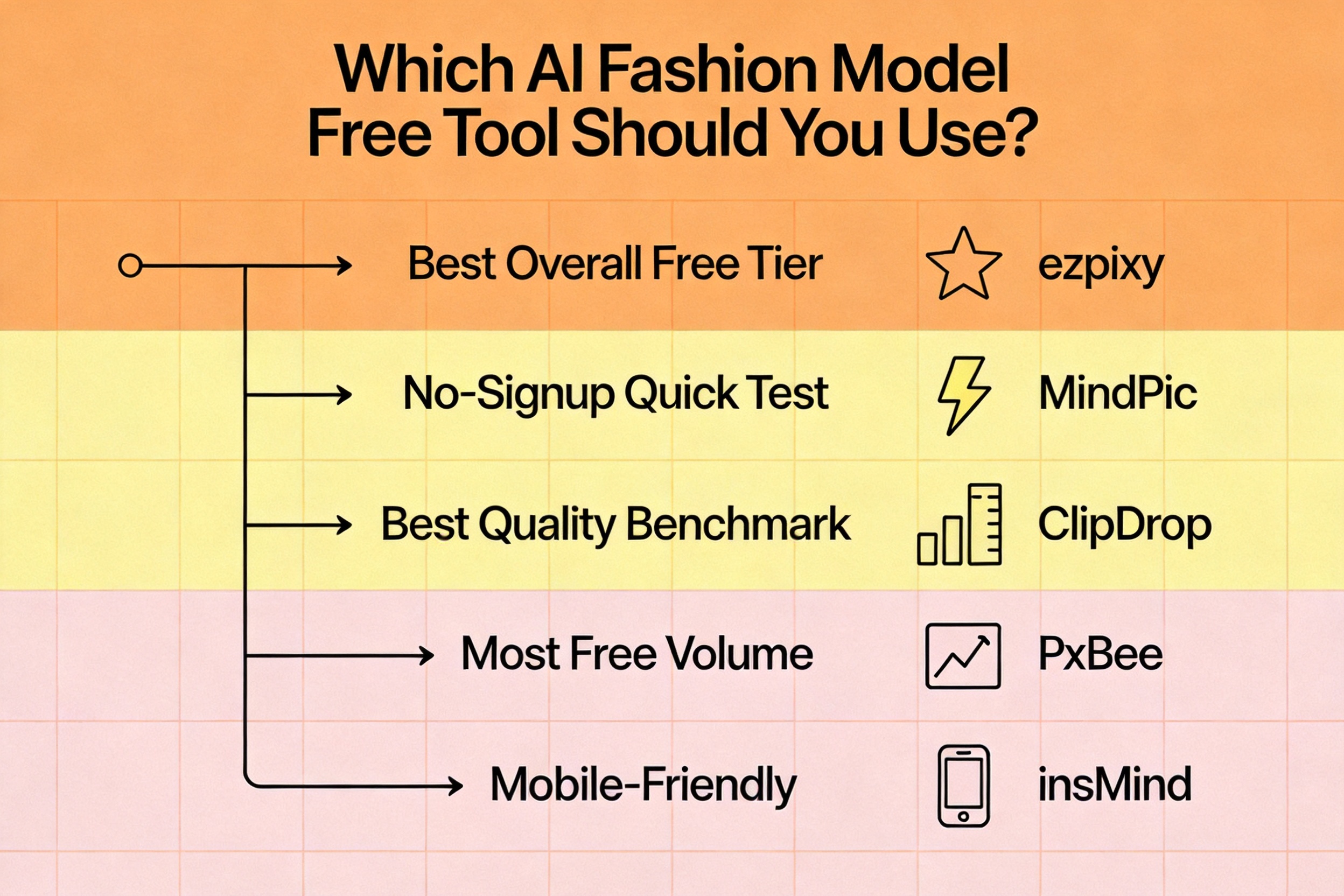
If you're evaluating for actual ecommerce use: Start with ezpixy. The 20 free images per month, no watermark, full resolution, and browser-based batch processing make it the most useful free tier for serious evaluation. The email signup takes 30 seconds.
If you just want a quick taste without any commitment: MindPic or insMind. No account, upload, download in 30 seconds. Quality won't be production-grade, but you'll see what the technology can do.
If you want to see the best possible quality: Use your VizStudio or ClipDrop free images as a benchmark. See the quality ceiling, then evaluate whether the free tools you'll actually use come close enough.
If you need maximum volume to test across many products: PxBee's ~50 free images per month gives you the most room, as long as you're comfortable installing the desktop app.
The free evaluation workflow I use
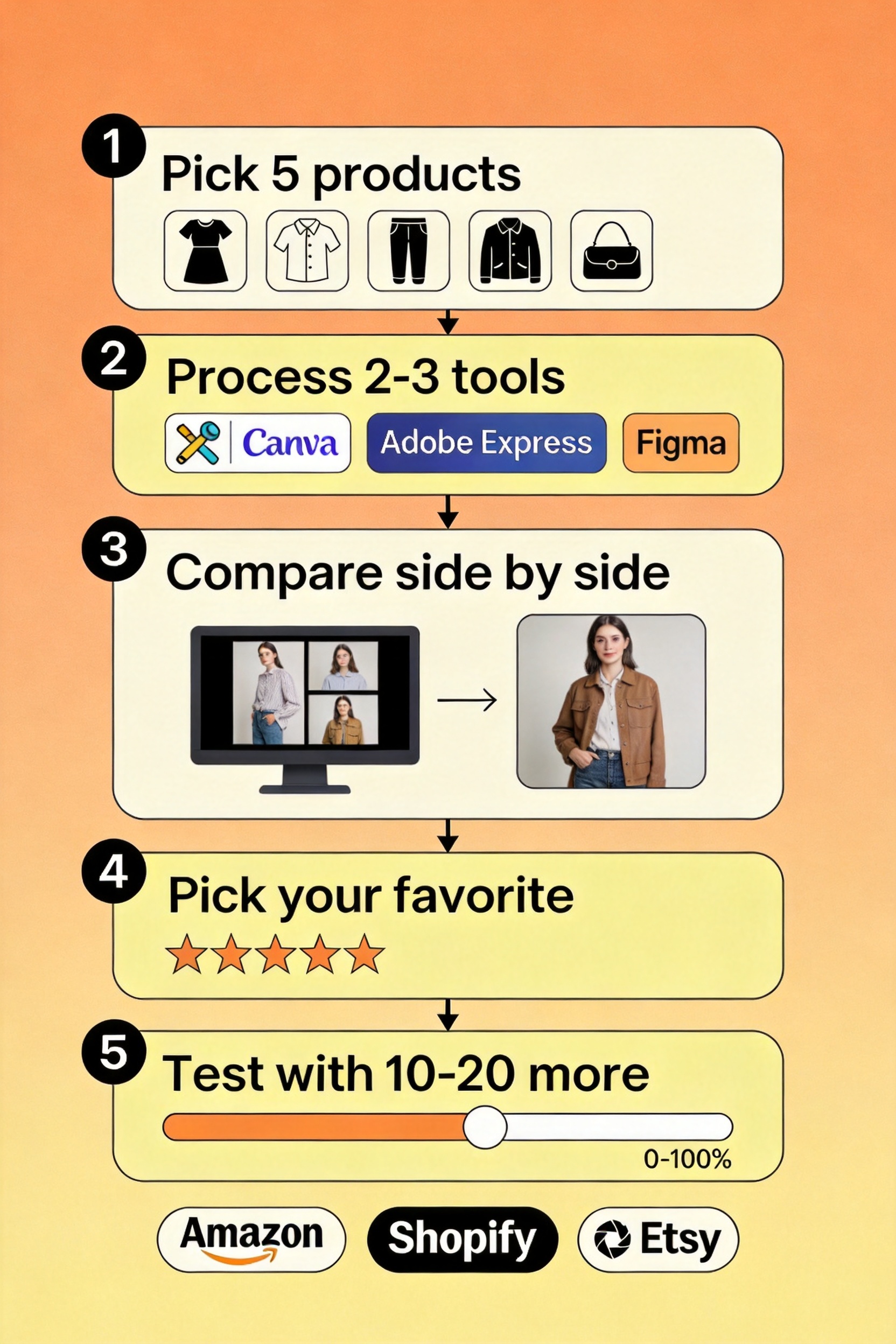
Here's the exact workflow I run when testing AI fashion model generators with a new brand's products:
- Pick 5 representative products — different colors, fabrics, and complexity levels (include at least one patterned and one flowing fabric)
- Process each through 2-3 free tools — about 15-20 minutes total
- Compare outputs side by side — focus on fabric texture at close inspection, edge quality at necklines and cuffs, and pose naturalness
- Select one tool for a deeper test with 10-20 products
- If the first tool's free tier runs out, fall back to your second choice to complete the evaluation
- If the results are good enough on a free tier, you may not need to pay at all for low-volume use
This workflow uses only free tiers and gives you enough data to make an informed decision about whether — and which — tool to pay for.
FAQ
Is there really a free AI fashion model generator?
Yes. Eight of them, in this comparison. The free tiers vary — some give you 1-2 images per session, others give you 50 per month. For most low-volume catalog needs (10-20 images per month), a free tier is enough.
Do free AI fashion model generators add watermarks?
Most don't. ezpixy, MindPic, VizStudio, ClipDrop, PxBee, and WeShop all produce watermark-free outputs on their free tiers. Fotor and insMind add watermarks on high-resolution exports but offer lower-resolution watermark-free downloads.
How many free images do I need for a proper evaluation?
20-30 images across 5-10 different products is usually enough to assess quality, consistency, and how the tool handles different fabric types. ezpixy's 20/month and PxBee's ~50/month cover this comfortably.
Can I use free AI fashion model generator images on Amazon or Shopify?
Yes, but check resolution and background requirements. Amazon requires pure white backgrounds (RGB 255,255,255) and at least 1600px on the longest side. ezpixy's free tier outputs at 2048px and has a dedicated white background mode. For a complete compliance workflow, see my white background product photos guide.
What's the difference between an AI fashion model generator and a virtual try-on tool?
A free AI fashion model generator is for merchants producing catalog imagery. A virtual try-on for clothing is for shoppers previewing garments on themselves. Same technology family, different use cases. For a deeper breakdown, see AI clothes changer vs virtual try-on.
Will my uploaded product photos be used to train the AI?
This depends on each tool's terms of service. Most reputable free tools do not use your uploaded images for model training without explicit consent. Check each tool's privacy policy before uploading sensitive or unreleased product imagery. According to Google's guidance on AI-generated content, platforms should disclose training data usage clearly.
Are these tools really "free" or is there a hidden cost?
The free tiers are genuinely free — no credit card required, no automatic charges after a trial period. The "cost" is in the limits: monthly image caps, watermarks on some exports, or signup requirements. The biggest hidden cost is time spent testing — which is why I recommend a structured workflow (like the one above) rather than aimless experimentation.
Verdict
If you want a free AI fashion model generator that actually delivers catalog-ready images, ezpixy is the most useful free tier in this comparison: 20 images per month, no watermark, full resolution, browser-based batch processing. The 30-second email signup is the only friction, and the free tier gives you enough output to make a confident decision.
If you want zero friction, MindPic is the fastest way to see what AI fashion model generation does. Five free images per day, no signup, no commitment.
For the highest possible quality, use your VizStudio or ClipDrop free images as a benchmark, then evaluate whether the practical tools you can actually use regularly come close enough.
For a broader comparison covering paid plans and a complete guide to how AI fashion model generators work, read my AI Fashion Model Generator: Complete Guide.
Ready to speed up your image workflow?
Generate AI fashion models, product photos, and virtual try-on images in minutes.