
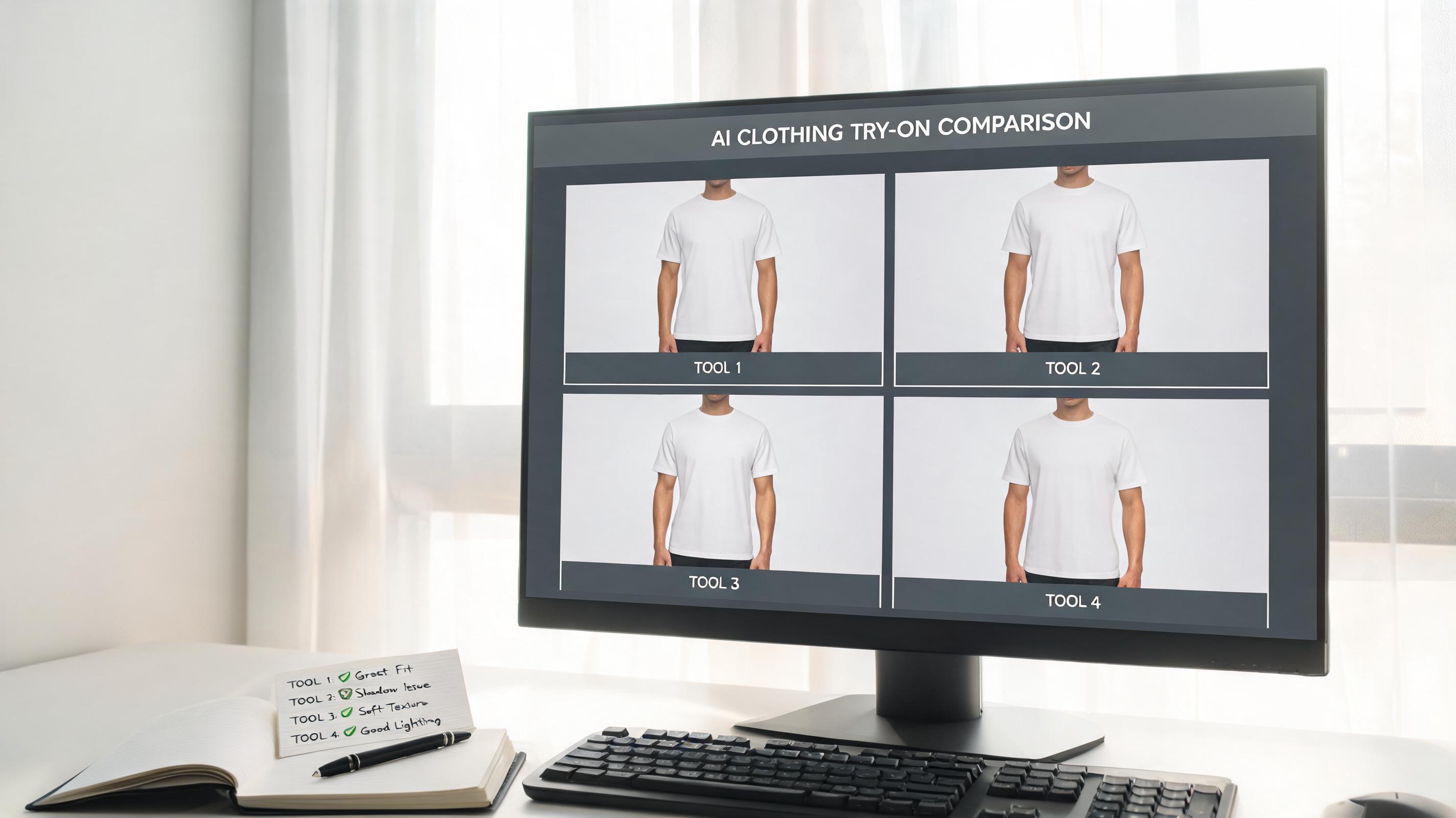
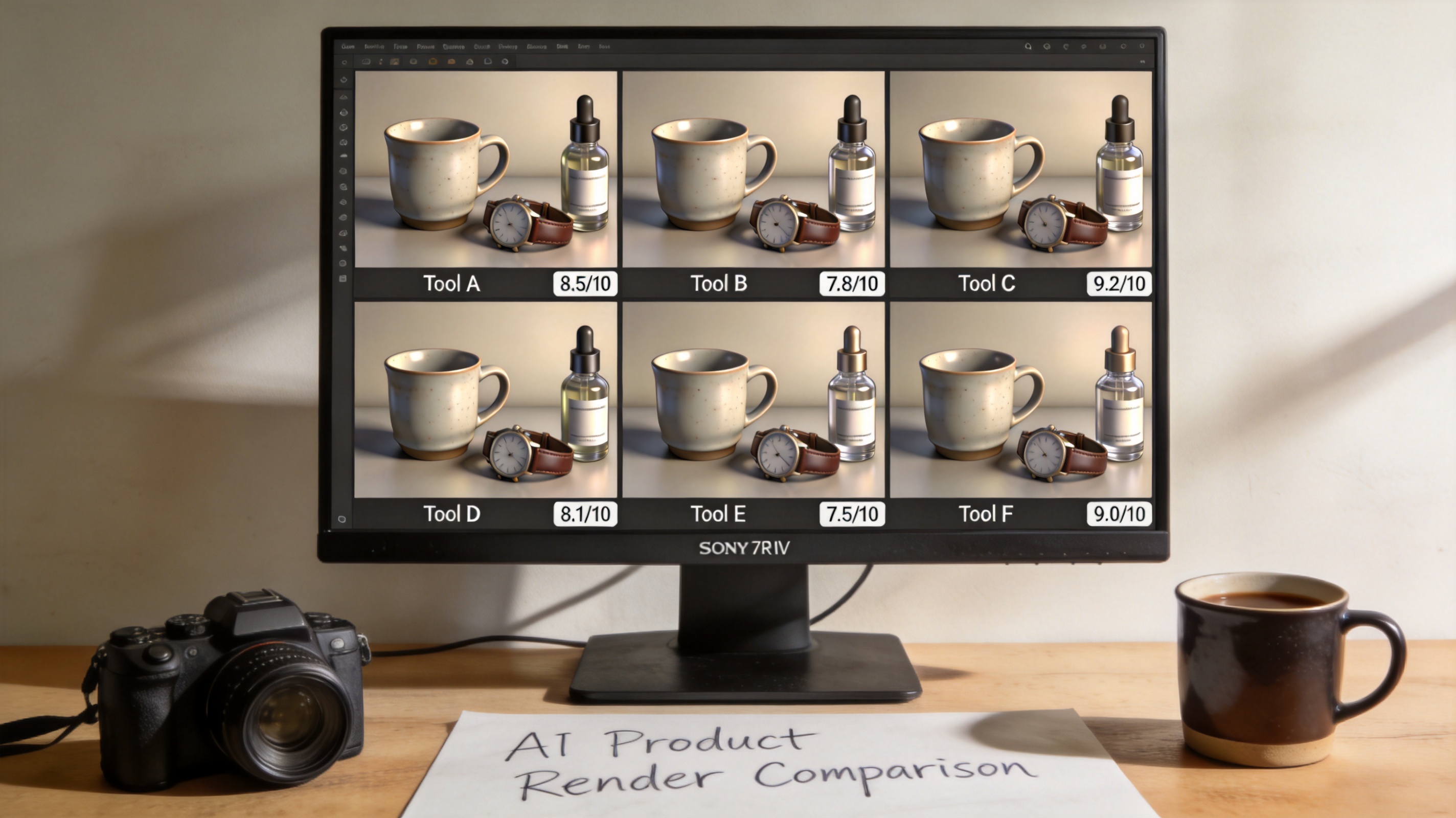
Most "best AI product photo generator" roundups are just repackaged feature lists from pricing pages. So I actually tested six tools with three different products — a ceramic mug (reflective), a leather watch (textured), and a skincare bottle (transparent glass) — to see which one handles the product types that trip up most AI tools. Here's how they ranked, with real results and honest assessments.
By 2026, AI product photography has moved from "interesting experiment" to "production necessity." The market is projected to hit $8.9 billion by 2034, and for good reason — traditional product photography costs $50-$500 per product when you factor in studio time, models, editing, and reshoots. AI tools can do it for pennies per image. But not all tools are created equal, and the wrong choice costs you in image quality, batch efficiency, or marketplace compliance.
How I tested
I ran every tool through three exercises:
- White background generation: Take a messy desk photo of each product and produce an Amazon-compliant pure white background image
- Lifestyle scene generation: Place each product in a realistic context (kitchen counter for the mug, wooden desk for the watch, bathroom shelf for the skincare)
- Batch processing: Process all three products in one session with consistent settings
How I scored each tool
Everything was judged on what matters for ecommerce: Would I put this image on a Shopify product page right now? I broke down my evaluation into four criteria, weighted by what actually impacts your bottom line:
| Criterion | Weight | What I checked |
|---|---|---|
| Image quality & realism | 45% | No warping, accurate colors, natural shadows, proper edges |
| Workflow efficiency | 25% | Batch speed, export formats, platform-specific presets |
| Ease of use | 15% | Setup time, learning curve, prompt complexity |
| Value for money | 15% | Free tier utility, credit limits, features per dollar |
The results
1. Photoroom — Best overall, best background removal
Photoroom's background removal is the best in the business. The ceramic mug — a reflective nightmare for most tools — came out with clean edges and no halo effect. The skincare bottle's transparent glass was handled correctly: the AI left the transparency intact instead of filling it with white.
The lifestyle scene generation is solid but not the best (Pebblely edges ahead there). Where Photoroom wins is the complete workflow: remove background → place in scene → batch process → export platform-specific sizes. It's the closest thing to a one-stop product photography shop.
Score: 8.5/10 | From $12.99/month
What I liked: Best-in-class background removal. Handles reflective and transparent products well. Good batch mode. Platform-specific export presets.
What frustrated me: Lifestyle scenes can look samey after you've seen enough of them. The AI backgrounds lack the creativity that Flair.ai offers. On-model generation for clothing is a separate add-on, not included in base pricing.
Best for: Sellers who need clean, marketplace-ready product photos and value getting it done in one tool.
2. Pebblely — Best for lifestyle scenes
Pebblely focuses almost entirely on lifestyle scene generation, and it shows. The ceramic mug on a warm kitchen counter looked genuinely like a styled product photo, not an AI composite. The leather watch on a wooden desk with morning light felt editorial — the kind of image you'd use as a Shopify hero.
Where Pebblely falls short: it doesn't do pure white background generation well, and there are no editing tools beyond the scene generator. You'll need a separate tool for Amazon-compliance.
Score: 7.8/10 | Free tier (40 images/month), paid from $19/month
What I liked: Best lifestyle scene quality. Large library of preset themes. Very fast — under 10 seconds per image. No prompt engineering needed.
What frustrated me: Can't do pure white backgrounds reliably. No editing tools. Free tier is only 40 images/month.
Best for: Shopify and DTC brands that need lifestyle context shots without the studio cost.
3. Flair.ai — Best for brand-consistent scenes
Flair.ai takes a fundamentally different approach: you train a custom model on your brand's visual style. Upload 5-10 reference images that represent your aesthetic, and every output follows that style. Colors, lighting, composition, props — all consistent.
This is powerful for DTC brands where visual identity matters. But the setup time is real: plan for 2-3 hours to build and test your brand model before you start producing.
Score: 7.5/10 | From $10/month
What I liked: Brand consistency across all outputs. Strong creative control. Good for editorial-style product imagery.
What frustrated me: Setup time. Limited to 5-15 custom models depending on plan. Not practical for one-off images.
Best for: DTC brands with a defined visual identity who need every product image to match.
4. ezpixy — Best for apparel catalog workflows
ezpixy takes an ecommerce-first approach: instead of trying to be the best at any single task, it bundles the tools that product teams actually need into one workflow. Background removal, white background generation, on-model clothing try-on, and batch processing — all in one place.
The product photo quality is solid but not best-in-class. Photoroom does better background removal, and Pebblely does better lifestyle scenes. But neither of those tools handles the end-to-end flow that ezpixy does: flat lay → on-model → white background → download.
Score: 7.3/10 | Free tier (20 images/month), paid from $19/month
What I liked: All-in-one workflow. Best suited for apparel catalogs. Good batch processing UX. Free tier to test.
What frustrated me: Not the best at any single task. Model variety is narrower than competitors. Credit system can be confusing.
Best for: Apparel brands that need an integrated tool for catalog production rather than stitching together multiple services.
5. ProductAI — Best Shopify/WooCommerce integration
ProductAI's main selling point is deep integration with ecommerce platforms. You connect your Shopify or WooCommerce store, sync your product catalog, and process images directly from your product dashboard. No downloading and re-uploading.
The actual image quality is mid-tier: clean white backgrounds, consistent lighting, accurate colors. It handles the technical side of product photography well but lacks the creative scene generation that Pebblely and Flair.ai offer.
Score: 6.9/10 | From $29/month
What I liked: Direct Shopify/WooCommerce integration. Clean catalog sync. Consistent output for marketplace listings.
What frustrated me: No creative lifestyle generation. Higher price for the integration features. Limited to ecommerce use cases.
Best for: Shopify/WooCommerce sellers who want a set-and-forget product image pipeline.
6. Pixelcut — Best mobile-first option
Pixelcut is designed for phone photography workflows. If you're shooting products with your iPhone and want to process them immediately, Pixelcut's mobile app delivers decent results. The background removal is functional, and the basic editing tools are intuitive.
But it's not a replacement for desktop tools if you're processing more than 10-20 images at a time. The output quality is acceptable for social media and basic marketplace listings, but it won't match Photoroom or Pebblely for professional product pages.
Score: 6.2/10 | Freemium
What I liked: Excellent mobile app. Quick and intuitive. Good for on-the-go product photography.
What frustrated me: Quality ceiling is lower than desktop tools. Limited batch processing. Not suitable for large catalogs.
Best for: Mobile-first sellers and social media product content.
Comparison table
| Tool | White bg | Lifestyle | Batch | Integration | Best for | Price |
|---|---|---|---|---|---|---|
| Photoroom | ★★★★★ | ★★★★☆ | Yes | API | All-around | $12.99/mo |
| Pebblely | ★★★☆☆ | ★★★★★ | Limited | No | Lifestyle scenes | $19/mo |
| Flair.ai | ★★★☆☆ | ★★★★☆ | Yes | API | Brand consistency | $10/mo |
| ezpixy | ★★★★☆ | ★★★☆☆ | Yes (best) | API | Apparel catalogs | $19/mo |
| ProductAI | ★★★★☆ | ★★☆☆☆ | Yes | Shopify/Woo | Store integration | $29/mo |
| Pixelcut | ★★★☆☆ | ★★★☆☆ | Limited | No | Mobile workflow | Freemium |
How to choose
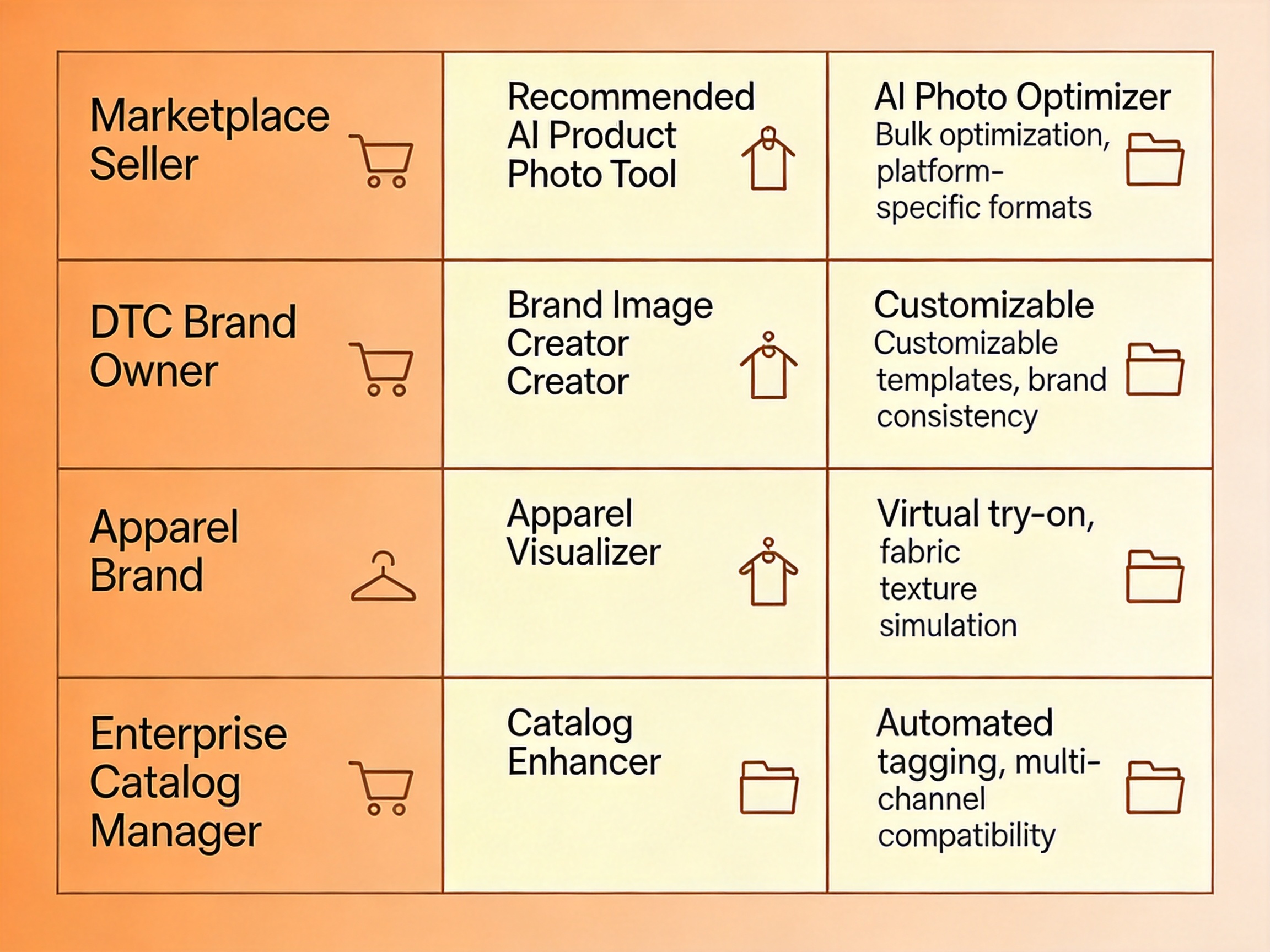
If you sell on Amazon → Photoroom. Best white background, batch processing, platform-specific exports.
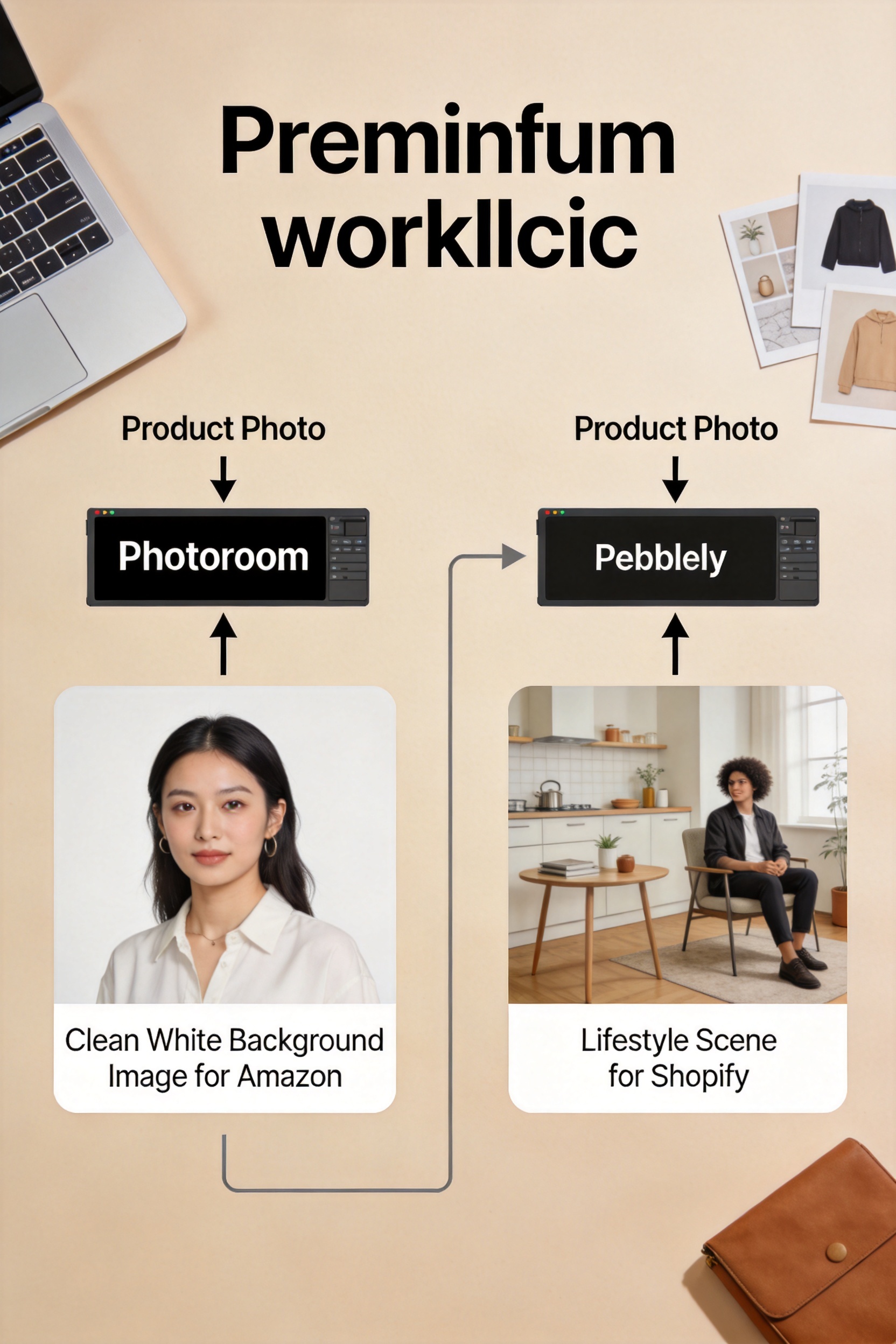
If you sell on Shopify/DTC → Photoroom + Pebblely combo. Photoroom for product pages, Pebblely for hero and lifestyle.
If you sell apparel → ezpixy. Integrated on-model generation + product photo workflow in one tool.
If visual consistency is critical → Flair.ai. Trained brand model ensures every image matches your aesthetic.
If your entire catalog is on Shopify → ProductAI. Sync, process, update — minimal workflow friction.
If you're on a budget and shooting with a phone → Pixelcut. Acceptable quality for the price (free), best mobile app experience.
The verdict: which AI product photo generator is actually best?
If I had to pick just one tool for an ecommerce store — any category, any platform — it's Photoroom. The background removal is genuinely best-in-class, the batch processing works reliably, and the platform-specific export presets mean your images meet Amazon, Shopify, and Google Shopping requirements without manual resizing. At $12.99/month, it's also reasonably priced for what you get.
But the real answer is that the "best" tool depends on your product type and where you sell:
- Physical products on marketplaces (Amazon, eBay, Walmart): Photoroom. Clean white backgrounds, compliance-ready exports, API for automation.
- DTC brands on Shopify with brand aesthetics: Photoroom for product pages + Pebblely for hero/lifestyle. This combo covers the full spectrum at $32/month total.
- Fashion and apparel brands: ezpixy. The on-model try-on capability plus product photo workflow in one tool saves you from stitching together 2-3 separate services.
- Large catalogs (500+ SKUs) on Shopify/WooCommerce: ProductAI. Platform integration eliminates the download-reupload cycle that eats hours with other tools.
One thing every tool got wrong: transparent products. The glass skincare bottle tripped up every single tool to some degree — reflections, edge detection, and transparency rendering are still weak spots across the board. If you sell glassware, cosmetics in clear bottles, or any transparent packaging, budget extra time for manual touch-ups regardless of which tool you pick.
FAQ
Can one tool do everything?
No. The best approach is usually 2 tools: one for clean product photography (Photoroom, ProductAI) and one for lifestyle generation (Pebblely, Flair.ai). For fashion brands, ezpixy covers the most ground in a single platform.
Do I need a paid plan?
Start with free tiers to test. Photoroom's free tier is genuinely useful. Upgrade when you need batch processing, higher resolution, or when you're processing more than 50 images per month — at that volume, the time saved by paid features pays for itself.
What about clothing and apparel specifically?
For apparel, you need an AI clothes changer (try-on generation) in addition to a product photo generator. ezpixy bundles both, which is why it ranks well for apparel-specific workflows. If you're purely doing flat lay or ghost mannequin product photos, Photoroom is still the better pick.
How many images do I need per product to make AI worth it?
If you're generating 20+ product images per month, AI tools are already cheaper than studio photography. At 100+ images per month, the savings become dramatic — you're spending $12-50/month on tools versus $2,000-5,000 on a single studio day. The break-even point is lower than most sellers realize.
Will AI-generated product images work for Google Shopping?
Yes, provided they meet Google's image quality requirements. Pure white backgrounds, minimum 800x800 resolution, and no watermarks or promotional text. Photoroom and ProductAI both handle Google Shopping compliance well. Always check the latest Google Merchant Center image guidelines before uploading — they update requirements periodically.
What's the biggest mistake people make with AI product photo tools?
Expecting one-click perfection. AI product photo generators get you 70-90% of the way there in seconds, but the last 10-20% still needs human review. Check for color accuracy (AI sometimes shifts product colors), edge artifacts around product boundaries, and shadow consistency. The best workflow is: batch generate → quick human review → spot-fix the 10-15% that need it → export.
Ready to speed up your image workflow?
Generate AI fashion models, product photos, and virtual try-on images in minutes.